Jobright uses AI to match you to jobs and track your applications. Here's what it actually does, how it compares, and whether it's worth your time.
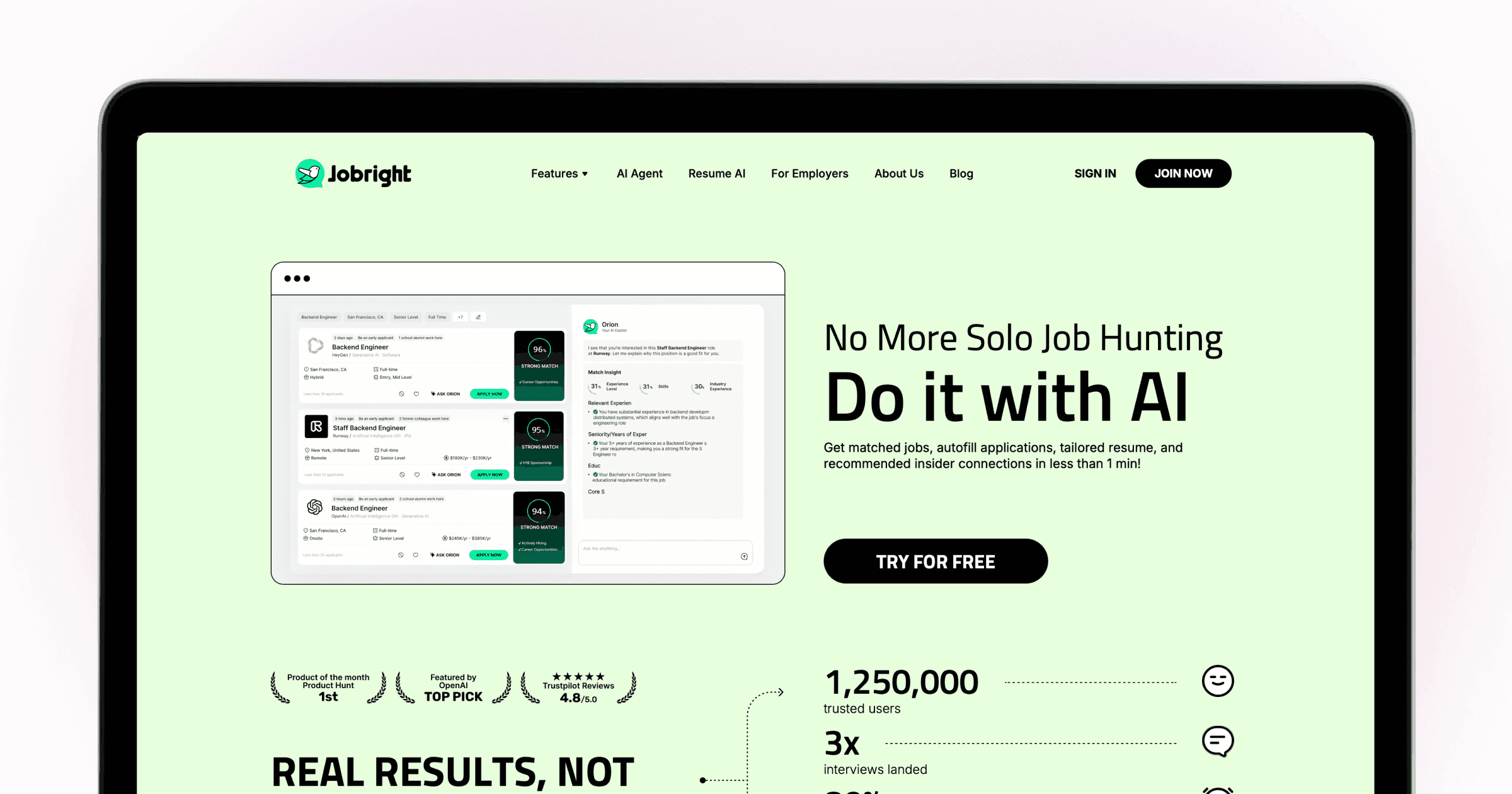
Jobright has evolved significantly since its early days as a job discovery tool. It now has a Chrome autofill extension with 100,000+ users, per-application resume tailoring, and a beta auto-apply agent. These are real, widely-used features worth understanding clearly — particularly what each one does and doesn't do in practice.
TLDR
Jobright's autofill Chrome extension fills ATS form fields with one click across major platforms. You still review and click submit — it's smart form-filling, not headless submission.
Resume tailoring generates an ATS-optimised version of your CV per role in under a minute. AI hallucinations are a documented risk; treat every output as a draft to review.
The Jobright Agent (full auto-apply) is in beta with limited access and a restricted job pool — not practically available to most users yet.
US-only job database. No mobile app.
Free tier, with a paid plan at approximately $29–40/month depending on current pricing.
What Jobright does
AI job matching. Jobright surfaces roles from a database of 8 million+ listings (400,000+ added daily) and scores your fit against each one. The matching quality is well-reviewed — it's meaningfully smarter than keyword search on a standard job board.
Autofill Chrome extension. This is Jobright's most widely used feature, with 100,000+ extension installs. It stores your career profile and fills application form fields across major ATS platforms — Workday, Greenhouse, Lever, iCIMS, and others — with one click. It eliminates the repetitive manual re-entry that makes high-volume applying so draining. The clarification worth understanding: the extension fills your form fields, then you review them and click submit yourself. Their own page describes it as step 4: "Submit your application, done!" — the submit is still your action, not an automated one.
Per-application resume tailoring. From any matched job, Jobright generates an ATS-optimised version of your resume with keywords from that specific job description, in under a minute. The speed is genuine. The documented caveat: AI hallucinations appear in user reviews — generated bullet points can invent skills or overstate experience. Every output should be checked before sending.
Network and insider connections. Jobright's most distinctive feature. It surfaces first and second-degree connections at target employers and provides outreach templates for referral requests. Given that referred candidates are dramatically more likely to get interviews, having this surfaced automatically is genuinely useful.
Jobright Agent (beta). Claims "90% job search automation" — matching, tailoring, and submission handled end to end. As of mid-2026, this is on a waitlist for most users with a limited job database. Treat it as a direction of travel rather than a current feature.
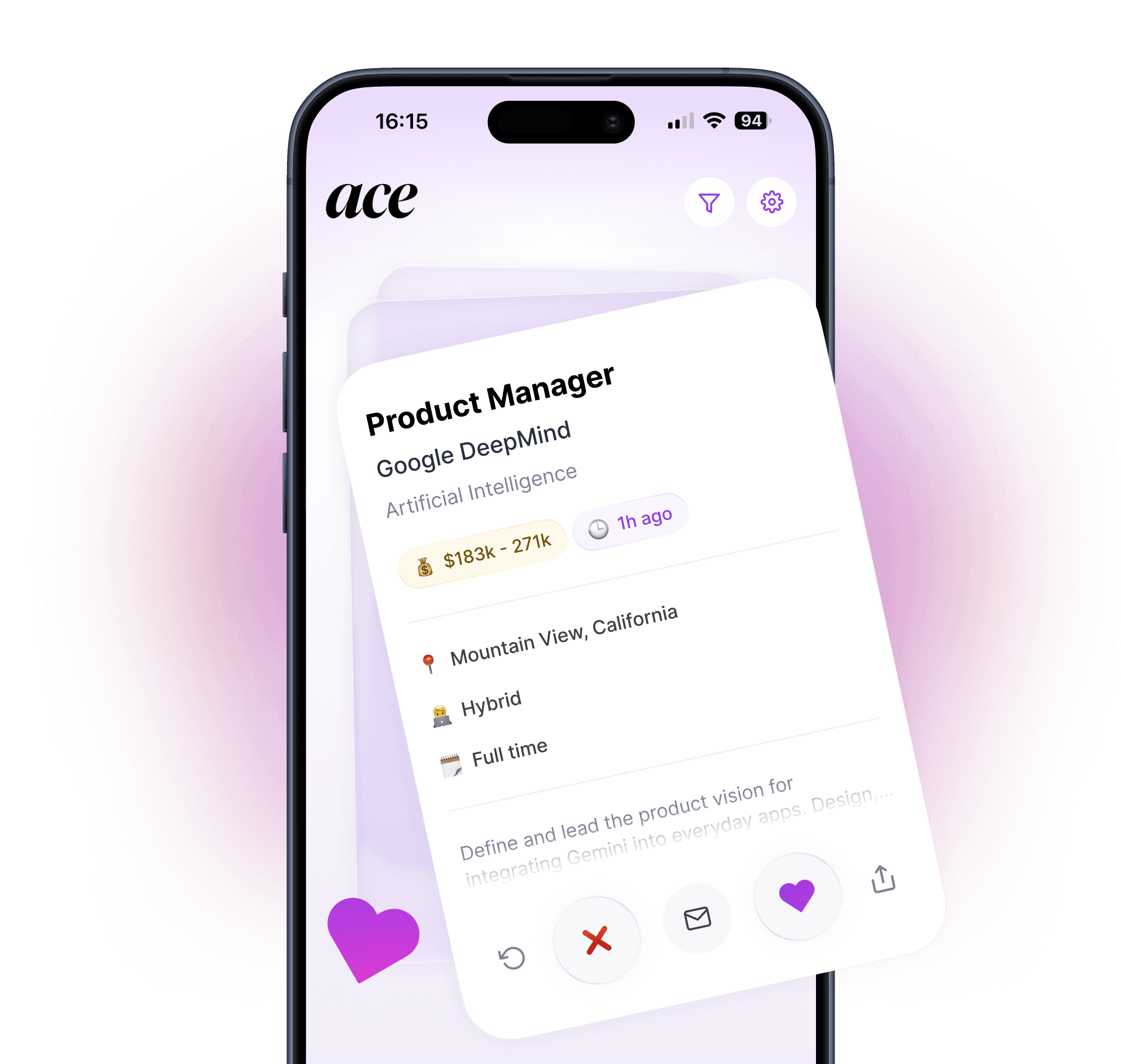
Apply worldwide with Ace — mobile auto-apply with per-application tailoring, free on iOS and Android

Where Jobright falls short
Autofill still requires manual submission. The extension fills the fields — you still click the button that sends the application. For a job seeker applying at high volume, this is still faster than entering everything manually, but it's a different proposition from a tool that completes and submits the full application on your behalf.
AI resume output needs auditing. The hallucination risk is real and documented across multiple independent reviews. Every tailored resume Jobright generates should be read carefully before sending — skills you don't have, metrics you didn't achieve, and generic language that doesn't reflect your real voice all show up in user reports.
US-only. Jobright's job database is US-focused. If you're searching in the UK, Europe, or anywhere outside the US, the job matching and discovery features aren't useful to you.
No mobile app. Everything runs through a web browser and Chrome extension. Job seekers who want to apply from their phone — during a commute, between meetings — can't do that with Jobright. Multiple Product Hunt reviewers have specifically requested a mobile app.
How Jobright compares to Ace
Jobright | Ace | |
|---|---|---|
Job matching | ✅ AI matching with match scores | ✅ ~8M roles, global |
Resume tailoring | ✅ Per-application (review for hallucinations) | ✅ Per-application, from your real uploaded CV |
Application submission | ⚠️ Autofills fields — you click submit | ✅ Full submission on company career pages |
Mobile app | ❌ Desktop/Chrome only | ✅ iOS and Android native |
Geographic coverage | ❌ US only | ✅ Worldwide |
Network/referrals | ✅ Insider connections feature | ❌ Not in scope |
Free access | ⚠️ Credit-limited free tier | ✅ Free to start |
The meaningful differences: Ace submits the completed application, Jobright fills the form and hands it back. Ace works on mobile; Jobright requires a desktop browser. Ace covers job seekers worldwide; Jobright is US-only. Jobright's insider connections feature - surfacing referral paths at target companies - is genuinely distinctive and not something Ace replicates.
The bottom line
Jobright is a capable tool that does several things well: the AI job matching is above average, the autofill extension saves real time at scale, and the insider connections feature adds a referral dimension most job search tools ignore. The gaps are specific: autofill isn't full submission, the AI resume output requires human review, and if you're outside the US or want to apply from your phone, Jobright doesn't serve you.
For US-based job seekers who want smarter discovery and a desktop-first autofill workflow, Jobright is worth the free trial. For job seekers who want the complete application loop handled - including actual submission - on mobile, anywhere in the world: Ace does that automatically, free on iOS and Android.
For a broader comparison of the landscape: Best AI Job Search Tools in 2026. For getting referrals alongside any tool: How to Get a Referral for a Job (The Right Way).
This review is written by the Ace team. We've done our best to represent Jobright fairly based on their website, user reviews, and independent research as of mid-2026. Features and pricing change — always check Jobright's current website before making a decision.
FAQ
Does Jobright automatically submit job applications?
Not fully. The Chrome extension fills in all your application form fields with one click — saving significant time on data entry. But you still review the completed form and click submit yourself. The Jobright Agent, which aims to handle full autonomous submission, is in beta with limited access as of mid-2026.
Is Jobright's resume tailoring reliable?
It's fast and useful as a starting point, but AI hallucinations are documented in some user reviews - invented skills, inflated metrics, and generic language all appear. Treat every generated resume as a draft and check it carefully before sending.
Does Jobright work outside the US?
No. Jobright's job database is US-focused. For job seekers in the UK, Europe, or elsewhere, the job matching and discovery features won't surface relevant roles.
Does Jobright have a mobile app?
No. The full experience runs through a web browser and Chrome extension. Multiple users have requested a mobile app, but one isn't currently available.
What's the best alternative to Jobright for full auto-apply?
Ace handles job matching, per-application resume tailoring from your actual uploaded CV, and complete application submission - on mobile, worldwide, free to start.