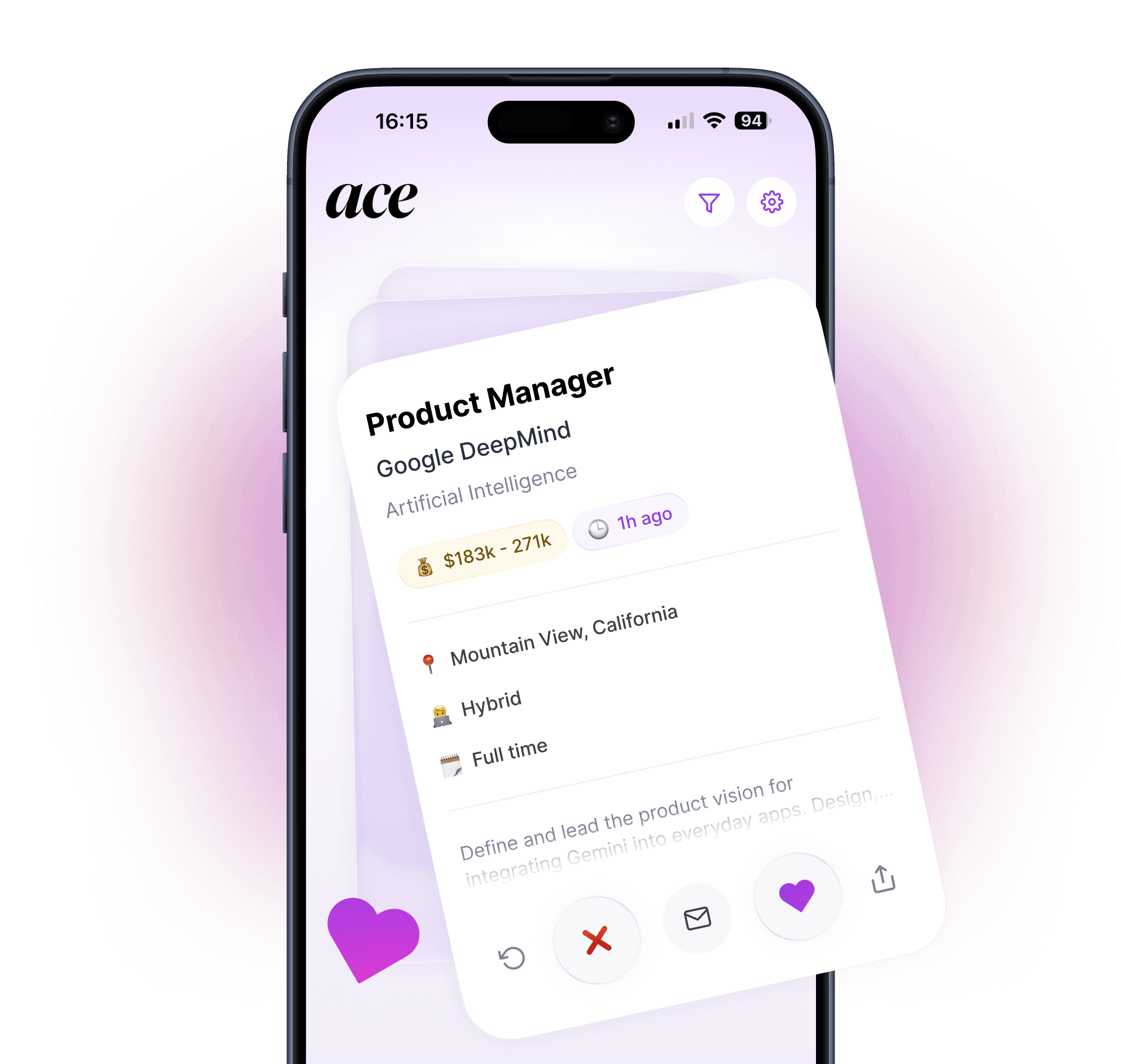
75% of resumes get filtered out by ATS software before a human ever sees them. Here's how to make sure yours gets through.
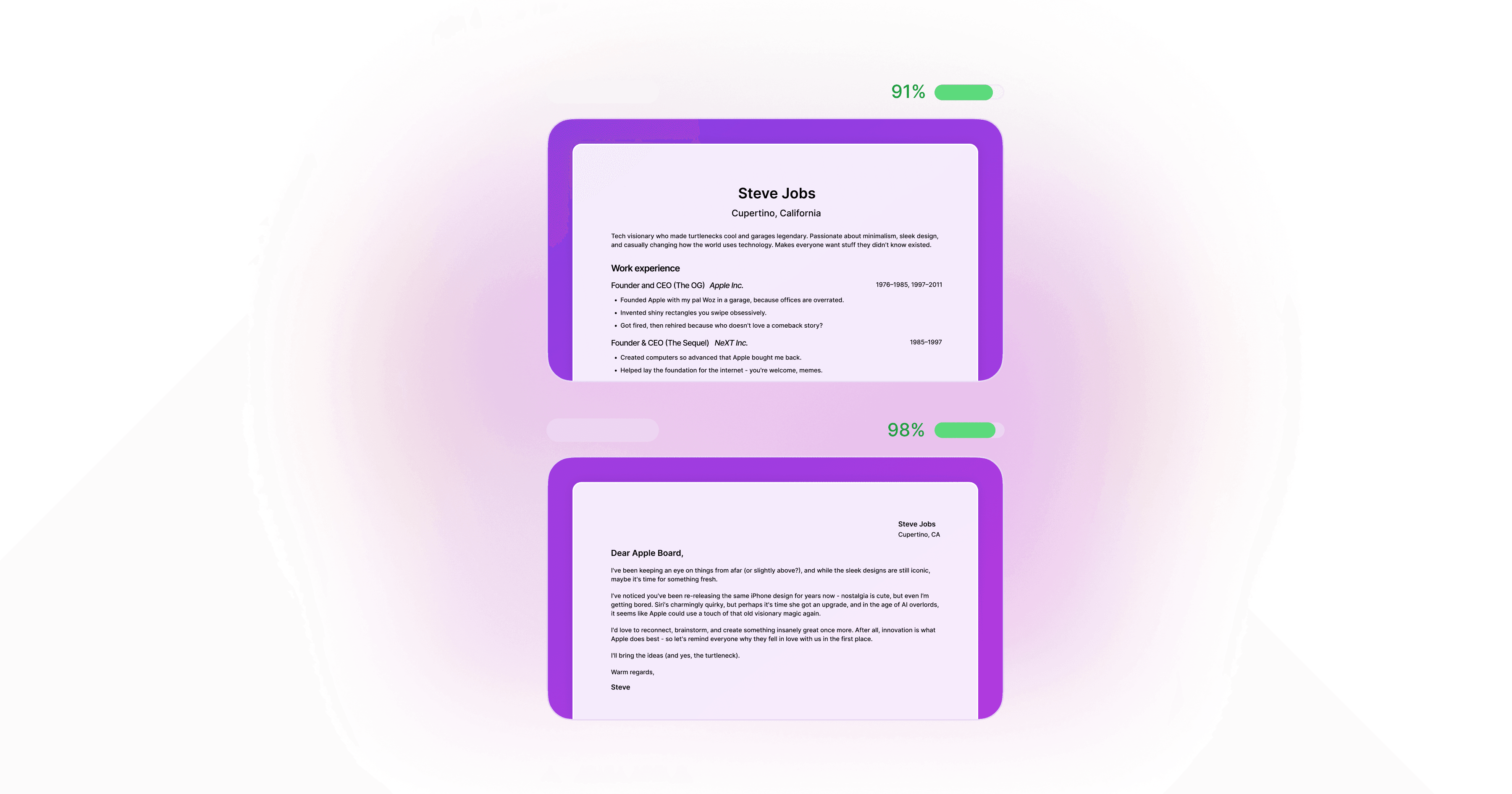
Most job applications never reach a human. Applicant Tracking Systems filter out roughly 75% of resumes before a recruiter even opens them. It doesn't matter how qualified you are. If your resume isn't formatted and written in a way the software can parse, it gets rejected automatically, and no one at the company ever knows you applied.
Here's how ATS works, why it rejects good candidates, and exactly what to do about it.
TLDR
ATS software screens resumes automatically before any human sees them. Most large companies use it for every role they post.
The main reasons resumes get rejected: wrong formatting, missing keywords from the job description, and non-standard section headings the software can't read.
8 specific fixes are covered below. Most take under 10 minutes to apply.
AI tools like Ace can handle keyword matching and formatting automatically, so every application you send is already ATS-optimized.
What is an ATS and why do companies use them?
An Applicant Tracking System is software that companies use to manage job applications. When you apply for a role at most mid-sized or large employers, your resume doesn't land in a recruiter's inbox. It goes into an ATS first.
The system parses your resume, extracts key information like your work history, skills, and education, and scores it against the job requirements. Applications that don't meet the threshold get filtered out. Only the ones that pass get surfaced for a human to review.
Companies use ATS for a straightforward reason: volume. A single job posting at a large company can receive hundreds or thousands of applications within days. Without automated screening, the recruiting team would spend all their time just opening emails. ATS software makes hiring at scale manageable.
The most widely used systems include Workday, Greenhouse, Lever, iCIMS, Taleo, and BambooHR. If you've ever applied for a job through a company's own careers page and had to re-enter information from your resume into a form manually, you were using one of these systems. Most job seekers interact with ATS software on nearly every application without realizing it.
According to research from Jobscan, over 98% of Fortune 500 companies use ATS software. Smaller employers are catching up. If you're applying to any company with a dedicated HR function, your resume is almost certainly going through automated screening before anyone reads it.
How ATS filters actually work
The core function of an ATS is keyword matching. The system scans your resume for terms that appear in the job description, such as specific skills, qualifications, job titles, and industry terms. If those keywords aren't present, or aren't recognized in context, your score drops.
This is why sending the same resume to every job is such a common mistake. A generic resume might include plenty of relevant experience, but if the language you used to describe that experience doesn't match the language in the job description, the ATS scores it lower than a weaker candidate who happened to use the right words.
A few things that trip up ATS parsing specifically:
Tables and columns. Most ATS systems read resumes as plain text from left to right, top to bottom. A two-column layout looks clean to a human reader, but the software often reads both columns as one run-on line of text, which garbles your information and makes it unreadable.
Headers and footers. Some ATS systems ignore content placed in the header or footer of a document entirely. If you put your contact information there, it may not register at all.
Images, icons, and graphics. ATS software reads text, not visuals. Profile photos, logo icons, and decorative graphics add nothing and can confuse parsing.
Non-standard section titles. If your resume says "Where I've Worked" instead of "Work Experience," some ATS systems won't recognize the section and will miss everything in it.
Custom fonts and heavy formatting. The more visually complex your resume, the more likely parsing errors are. Clean and simple formats consistently outperform elaborate design templates.
Why your resume keeps getting rejected
If you're applying to roles you're qualified for and not hearing back, the most likely explanation isn't that you're not good enough. It's that your resume isn't clearing the automated filter before a human gets a chance to assess you.
The most common reasons:
Missing keywords. You have the skills and experience, but you described them differently than the job description did. "Managed social media accounts" and "social media management" mean the same thing to a person. An ATS treats them as different terms and may only credit you for one.
Wrong format. A visually elaborate resume that looks great in a PDF viewer often parses badly. The ATS extracts scrambled text and can't identify your job titles, dates, or skills accurately.
Soft skills instead of hard skills. ATS systems are looking for specific, verifiable terms: tools, certifications, job titles, measurable outcomes. Phrases like "excellent communicator" and "team player" register as filler. They don't score points.
Applying to roles that are a poor match. If the job requires 5 years of experience and you have 1, no amount of keyword optimization will change the outcome. ATS filters can be set to hard-reject applications that don't meet minimum requirements.
The good news is that most of these issues are fixable. They're not gaps in your experience. They're formatting and language problems, and they have straightforward solutions.
8 ways to make your resume ATS-proof
1. Use standard section headings
Stick with headings the software recognizes: "Work Experience," "Education," "Skills," "Certifications," "Summary." Anything creative or unusual risks being misread or ignored entirely.
2. Match keywords from the job description
Read the job description carefully and identify the specific skills, tools, and qualifications it mentions. Then check your resume. If you have the relevant experience but used different language to describe it, update the phrasing to match. Don't copy-paste entire sentences from the job description, but do mirror the key terms.
If the role asks for "project management experience" and your resume says "led cross-functional initiatives," consider including both framings.
3. Avoid tables, columns, and graphics
Use a single-column layout. No tables, no text boxes, no profile photos, no icons. Everything should be readable as plain text from top to bottom. If you're not sure whether your current format is ATS-friendly, paste it into a plain text editor and see if it makes sense. What the text editor shows is roughly what an ATS sees.
4. Stick to a clean, simple format
This doesn't mean your resume needs to look boring. Clean formatting can still look professional. But the visual hierarchy should come from font size and bold text, not from elaborate design elements. Serif or sans-serif fonts, consistent spacing, and clear section breaks are all you need.
5. Save as PDF unless told otherwise
PDF preserves your formatting and prevents the text from reflowing when opened on different systems. Most ATS platforms handle PDF parsing well. If a job posting specifically asks for a Word document (.docx), use that instead. Otherwise, PDF is generally safer.
6. Include both acronyms and full terms
If the job description uses both "SEO" and "Search Engine Optimization," include both in your resume. Same for "UI/UX" and "user interface design," "SQL" and "Structured Query Language," and so on. Different ATS configurations look for different variations. Covering both means you don't lose points on a technicality.
7. Tailor your resume for every single application
This is the one that has the biggest impact and the one most people skip because it takes time. A resume tailored to a specific job description will almost always outscore a generic one. The keyword match is better, the relevance score is higher, and the few seconds a recruiter spends on it after it clears the filter are more likely to lead to a next step.
The practical challenge is that tailoring takes 20 to 30 minutes per application if you're doing it manually. At 20 applications a week, that's 10 hours of resume editing. This is exactly the problem that AI job search tools were built to solve. Ace tailors your resume automatically for every job you swipe on. You don't touch the resume. It's handled before the application is submitted.
8. Use an AI tool to check compatibility before you apply
Before you submit any application manually, run your resume and the job description through a keyword matching tool. Ace scores how much your resume matches the job description every time you save a job. If you want to go all in, Jobscan has a free version that scores your resume against a specific job description and shows exactly which keywords are missing. It's not a perfect system, but it takes two minutes and catches obvious gaps before they cost you an interview.

Can AI tools actually help you beat ATS?
Yes, but with an important caveat: the tool has to be doing genuine keyword analysis, not just generating a nicely formatted document.
A lot of "AI resume tools" produce polished-looking resumes that still fail ATS screening because the language doesn't match the specific job description. Looking good is not the same as parsing well.
The tools that actually help are the ones that analyze the job description first and then adjust your resume language to match it. That's a different process from generating a standard resume template with your information filled in.
Ace is built around this approach. When you swipe right on a job, the app analyzes that specific job description and rewrites your resume to match its keywords, requirements, and language. The cover letter follows the same process. The output is a resume that is tailored to that exact role, formatted to pass ATS screening, and written in your voice rather than generic AI language.
The practical result is that you can apply to significantly more jobs in a week without spending your evenings rewriting the same resume over and over. Each application is already optimized before it goes out. You're not sending a generic document and hoping it clears the filter. You're sending something specific.
For more on what makes AI job search tools worth using (and which ones to avoid), see our full roundup: Best AI Job Search Tools in 2026.
The bottom line on ATS
ATS software isn't trying to be unfair. It's a volume management tool. But the way most job seekers apply, generic resumes fired off to dozens of roles without any customization, is almost perfectly designed to fail it.
The fix isn't complicated. Use the right formatting. Match the language of the job description. Tailor each application. Those three things alone will get more of your resumes in front of a human.
If you're applying at volume and doing this manually, it becomes a full-time job on top of your job search. That's where automation earns its keep. A tool that handles the tailoring for you doesn't just save time. It makes every single application better than it would have been if you'd rushed it at 11pm after filling in five application forms by hand.
For a closer look at the specific resume mistakes that trigger ATS rejection (beyond formatting), see: 10 Resume Mistakes That Get You Instantly Rejected.
Start applying smarter with Ace - try it free on iOS and Android
Questions about optimizing your job search? Reach out at info@aceapp.ai.
FAQ
What percentage of resumes are rejected by ATS?
Research from Jobscan suggests that over 98% of Fortune 500 companies use ATS software, and it's widely cited that ATS systems filter out around 75% of resumes before a human reviewer sees them. The exact figure varies by company and role, but the majority of rejections happen at the automated screening stage.
What does ATS stand for?
ATS stands for Applicant Tracking System. It's software that companies use to collect, parse, and score job applications automatically before any human reviews them. The most common systems include Workday, Greenhouse, Lever, iCIMS, Taleo, and BambooHR.
How do I know if my resume is ATS-compatible?
Paste your resume into a plain text editor. If the content is readable, logically ordered, and all sections are intact, your formatting is likely ATS-safe. If the text is jumbled or columns have merged into a single run-on line, your formatting is causing parsing errors. Tools like Jobscan can also score your resume against a specific job description.
Do small companies use ATS?
Increasingly yes. ATS use has expanded well beyond large enterprises. Any company with a dedicated HR function or that receives more than a handful of applications per role is likely using some form of applicant tracking software. Even roles posted through LinkedIn, Indeed, or other job boards typically feed into an ATS on the employer's side.
Can AI help me beat ATS?
Yes, if the tool is doing genuine keyword analysis rather than just formatting your resume. Ace analyzes each job description and rewrites your resume to match its specific language and requirements before submitting. This means every application is already ATS-optimized without you needing to check keyword coverage manually for each role.