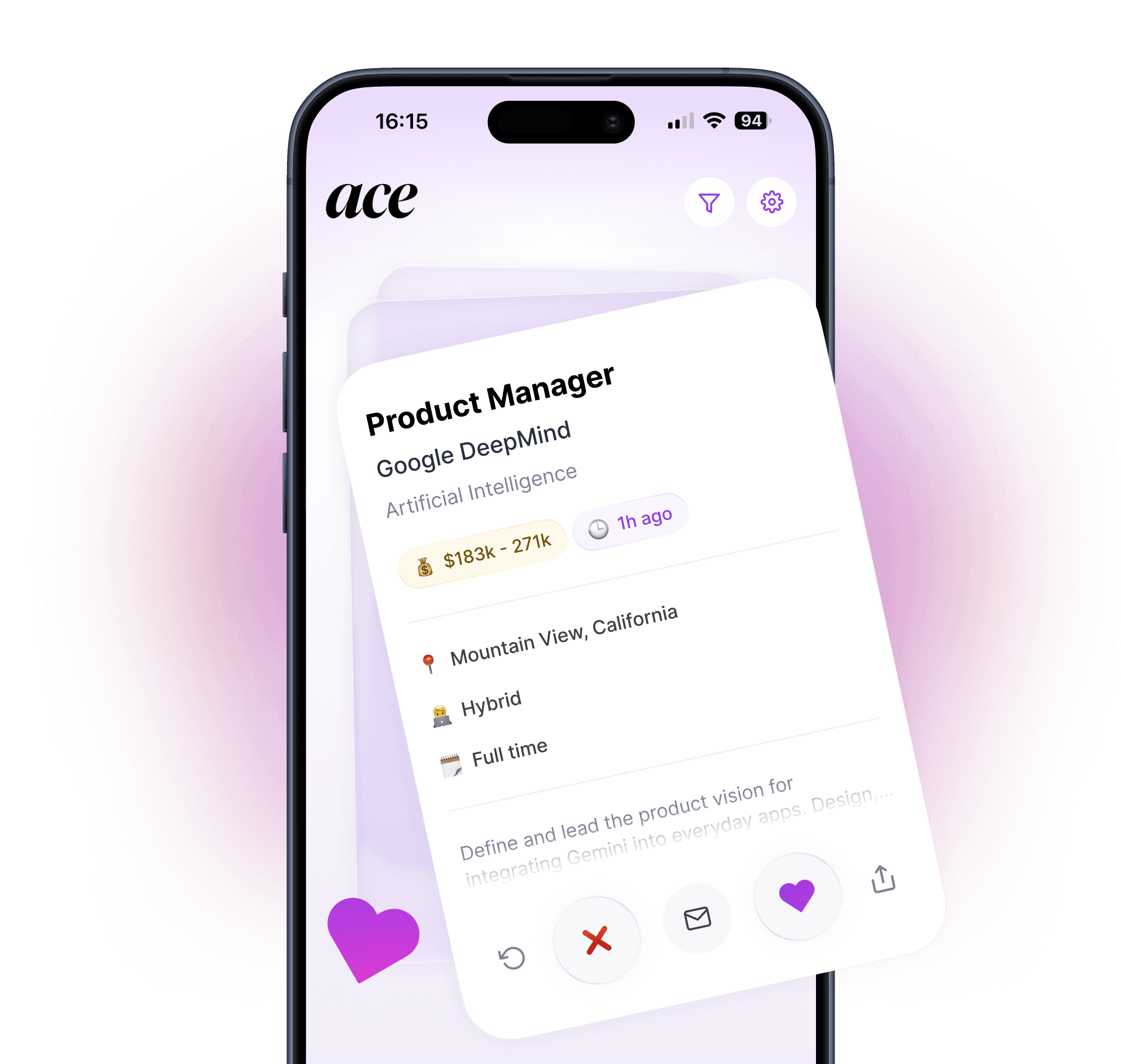
Both apps let you swipe to apply for jobs. But they handle resumes, auto-apply, and job matching very differently. Here's how they compare.
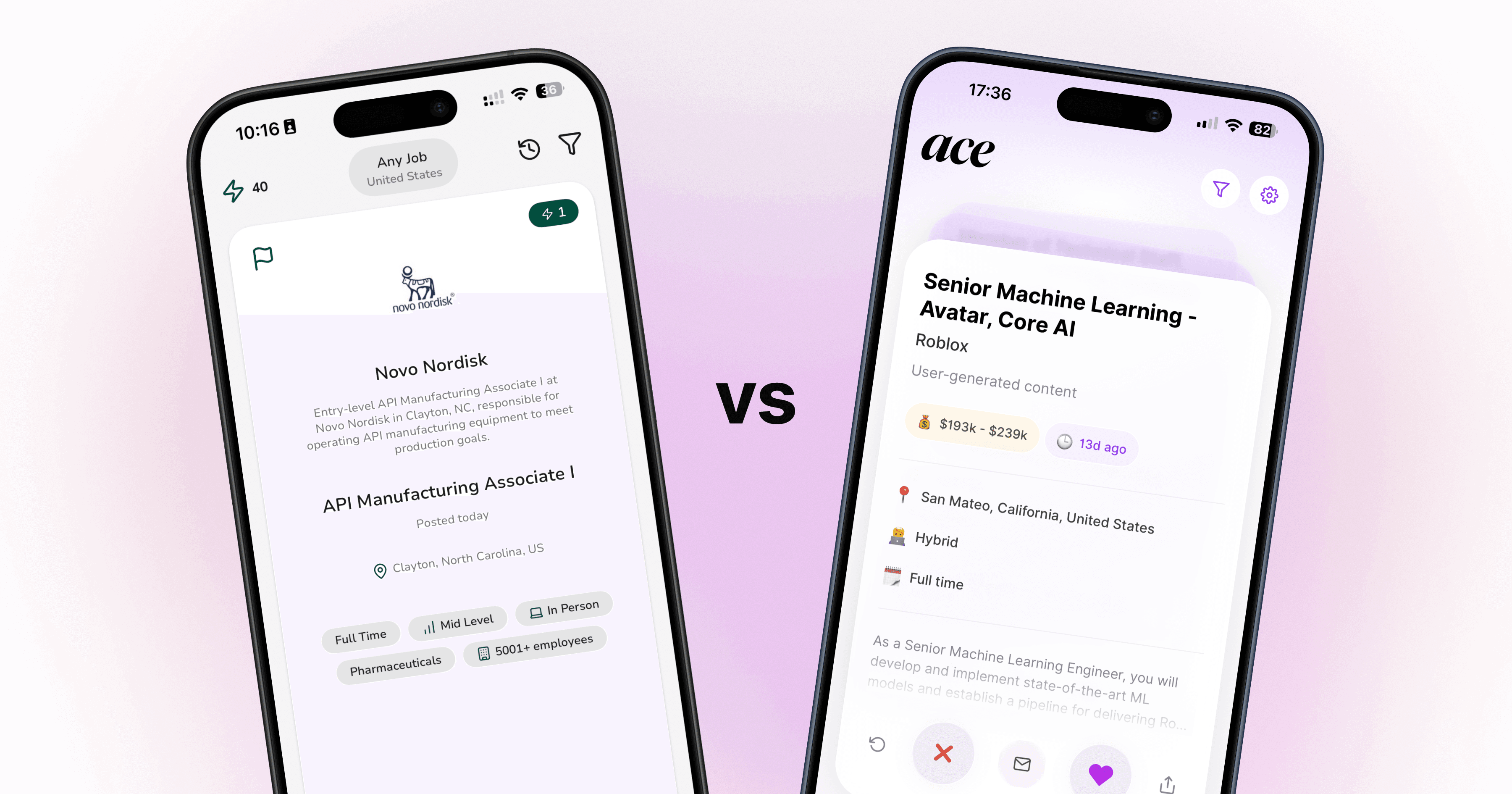
Both Sprout and Ace promise the same thing: swipe on a job, and the app handles the rest. But spend any real time with both tools and the differences become obvious fast. The way they match you to jobs, tailor your resume, and actually submit applications is very different. And depending on what you need from a job search app, those differences matter a lot.
This is a head-to-head breakdown of how each app works, where each one wins, and which one is worth your time in 2026.
TLDR
Ace is the stronger all-in-one option. Better job matching, more reliable auto-apply, and resume tailoring that actually passes ATS screening. Free to try on iOS and Android.
Sprout has a good interface and the right concept. User reviews on both app stores flag recurring concerns around duplicate listings, ATS compatibility, and auto-apply consistency. The credit-based pricing also adds up fast for an active job search.
Bottom line: If you want to apply to more jobs without doing the work manually, Ace is the more reliable tool.
Quick comparison
Feature | Ace | Sprout |
|---|---|---|
Auto-apply | Yes, full application on company career pages | Yes, though consistency varies by role |
Resume tailored per job | Yes, every application | Yes, though ATS pass rates queried in reviews |
Cover letter per job | Yes | Yes |
Job matching | AI-powered, 8M+ roles/month | AI-powered, duplicate listings reported by some users |
Mobile app | iOS and Android | iOS, Android, and web |
Free tier | Yes | No |
Starting price | Free | ~$10/week |
How Ace works
Ace is built around one idea: applying for jobs from your phone should not take an hour per application.
Here's the process. You upload your resume and set your job preferences. Ace then pulls from around 8 million new roles per month and surfaces the ones that actually match your background, showing a match percentage next to each job so you can see at a glance why it's relevant. When you swipe right, Ace rewrites your resume and cover letter specifically for that role, matching the language and requirements of the job description and formatting everything to pass ATS screening. Then it applies on the company's career page directly.
That last part is worth flagging. A lot of tools claim to "auto-apply" but what they actually do is help you fill out a form and leave you to click submit. Ace completes the full application on the company's own website, not just a job board listing. That means the application goes directly into the employer's ATS, the same way it would if you'd done it yourself.
The job pool pulls from company career pages as well as major job boards, which means Ace regularly surfaces roles that don't show up on LinkedIn or Indeed. For anyone who's tried to search for jobs manually and noticed that listings often disappear or are already filled by the time you find them, a broader feed makes a real difference.
The app is available on iOS and Android.
Key features:
Swipe-to-apply job discovery across millions of roles
AI-tailored resume and cover letter for every single application
Auto-apply directly on company career pages
8M+ new roles per month including off-platform listings
Application tracking dashboard
iOS and Android
Bottom line: Ace handles the full job search loop in one app. Match, tailor, apply, track. Nothing falls on you except the swipe.
Try Ace free on iOS and Android
How Sprout works
Sprout uses the same core concept: a swipe-based interface where you browse jobs in a feed, swipe right on roles you want, and the app generates a tailored resume and cover letter before submitting the application.
The interface is clean. The idea is the right one. And the team has been building quickly since rebranding from Prep AI in mid-2025.
Where it gets more complicated is in the pricing model. Sprout runs on a credit system rather than a flat subscription. Each application costs credits, and the standard plan gives you around 20 credits for $10 per week. At 3 credits per application, that works out to roughly 6 or 7 applications per week before you need to top up. For someone running an active job search, that ceiling is low. If you're aiming for 20 or 30 applications a week, which is a realistic volume for a competitive job market, you'll be spending significantly more than the headline price.
The web app, iOS app, and Android app are all available, which gives more flexibility than some tools on the market.
Key features:
Swipe-to-apply interface
AI-generated resumes and cover letters
Application tracking
iOS, Android, and web
Bottom line: Sprout has the right idea and a good interface. The credit-based pricing limits volume, and reliability with auto-apply and ATS optimization is inconsistent.
Job matching quality
Job matching is the first thing you interact with in both apps, and it determines whether the rest of the process is worth your time. A bad feed means wasted swipes.
Ace pulls from around 8 million new roles per month. The matching algorithm uses your uploaded resume to build a profile, then surfaces roles based on your skills, experience level, location preferences, and the types of roles you're swiping on. Each job shows a match percentage, so you can quickly decide whether it's worth your time. In practice, the feed feels relevant rather than padded. You're not scrolling through dozens of irrelevant listings to find something that actually fits.
Sprout's job matching is more variable. The app curates a feed based on your preferences, but a recurring complaint in app store reviews is duplicate postings appearing repeatedly in the same session. Some users report seeing the same job five or ten times in a single browsing session, which wastes swipes and makes the available pool harder to read accurately. Whether this is a current issue or something that's been addressed in recent updates is worth checking in the latest app store reviews before committing to the tool.
Ace's feed also includes roles sourced directly from company career pages, which means you'll sometimes see positions that haven't been picked up by the major job boards yet. That's a meaningful advantage when you're competing for roles where the application window is short.
Resume and cover letter tailoring
This is where the biggest gap between the two apps shows up.
Ace rewrites your resume for each individual application. When you swipe right on a job, the app analyzes the job description and adjusts your resume to match the specific language, requirements, and keywords of that role. The cover letter follows the same approach: written for the role, in your voice, not a template with your name dropped in at the top. The goal is to pass ATS screening while still reading like a real person wrote it.
Sprout also generates a tailored resume and cover letter per application. But App Store and Google Play reviews consistently flag issues with ATS compatibility. Multiple users report submitting applications through Sprout only to find their resume didn't clear basic keyword screening, despite the app claiming the documents were optimized. That's a significant problem when the whole reason you're using the tool is to avoid getting filtered out before a human ever reads your application.
No tool will produce a perfect resume for every single role. The quality depends partly on how well your base resume is written to begin with, and partly on how specific the job description is. But consistent ATS compatibility should be a baseline, not something you have to check for yourself after every application.
If the resume tailoring isn't working reliably, you end up doing the quality checking manually anyway, which takes away most of the time saving.

Auto-apply: what actually happens after you swipe
The term "auto-apply" gets used loosely in this space, so it's worth being specific about what each app actually does when you swipe right.
When you swipe right in Ace, the app navigates to the company's career page and completes the full application form on your behalf. This means filling in the ATS fields, attaching the tailored resume and cover letter, and submitting the application. You receive a notification when it's done. The application goes directly into the employer's ATS, the same way it would if you'd sat down and filled the form out yourself. You can see the status of each application in the tracking dashboard.
Sprout's auto-apply works differently depending on the job. For some roles it completes the full application. For others, it redirects you to the listing to finish manually, which isn't auto-apply in any meaningful sense. Some app store reviews also raise questions about whether the dashboard status accurately reflects what was submitted, which is worth checking for yourself early on if you use the tool. As with any automated tool, verifying a sample of your applications landed correctly before relying on it fully is sensible practice.
Pricing
Ace: Free to download and try. You can explore the app and start applying before any payment is required. Full pricing details are available in the app.
Sprout: Credit-based. Based on pricing available at the time of writing, the standard plan runs roughly $10 per week for 20 credits, with applications costing 1-3 credits each - which can work out to around 6 to 7 applications per week on the base plan. Additional credits are available to purchase separately. Check Sprout's current pricing page before signing up as these figures may have changed.
For context: a serious job search typically involves 15 to 30 applications per week, especially early in the search when you're casting a wider net. At Sprout's credit rate, 20 applications a week would cost roughly $30 per week or more depending on credit pack pricing. That's a meaningful ongoing cost for an app that's supposed to be saving you time and effort.
Ace's free trial lets you test the actual product before committing to anything, which is the right way to evaluate whether a job search tool actually works for your situation.
What real users say
App Store and Google Play reviews for Ace are generally positive. Users consistently mention the quality of the job matching (the feed surfaces relevant roles rather than random listings), the tailored resume generation, and the ability to apply from a phone while commuting or on a break. The mobile-first design is a practical advantage for people who don't want to sit at a laptop to run a job search.
Sprout reviews are more mixed. Positive reviews tend to focus on the interface, which is genuinely well-designed, and on the concept. A portion of negative reviews reference duplicate job listings in the feed, inconsistent auto-apply completion, and questions about ATS pass rates. As with any product that's still developing rapidly, the picture in recent reviews may differ from what was reported earlier, so it's worth reading current app store reviews before deciding.
Neither app has a perfect record. Every automated tool breaks sometimes. But when the same reliability issues show up repeatedly in reviews from different users over an extended period, it's a pattern rather than an edge case.
Which one should you use?
For most job seekers, Ace is the stronger choice. The job matching pulls from a larger and more varied pool, the resume tailoring is more reliably ATS-compatible, and the auto-apply process actually completes the full application rather than stopping partway through. If your goal is to get more quality applications out per week without spending evenings at your laptop, that combination matters.
Sprout has a good interface and the right concept. But if you're going to manually check every application the tool supposedly submitted, and manually verify that your resume passed ATS screening, you've lost most of the time advantage.
If you're weighing both apps: Ace has a free trial, so you can test the matching and tailoring before deciding anything. That's the most practical way to find out if the tool actually works for your situation.
For a broader look at the tools available in this category, including resume-focused options and browser extension tools, see our full roundup: Best AI Job Search Tools in 2026.
And if you're not sure your resume is set up to pass ATS screening in the first place, that's worth sorting out before you start applying at volume. See: How to Beat Applicant Tracking Systems in 2026.
Download Ace free and start applying today
Questions about which tool is right for your job search? Reach out at info@aceapp.ai.
Note: This article is written by the Ace team. We've done our best to represent Sprout fairly based on publicly available information and app store reviews as of the date of publication. Pricing and features change frequently - always check each app's current website before making a decision.
FAQ
What is Sprout and how does it work?
Sprout is a swipe-to-apply job search app that generates a tailored resume and cover letter when you swipe right on a role, then submits the application on your behalf. It uses a credit-based pricing model where each application costs credits. The team rebranded from Prep AI in mid-2025.
How is Ace different from Sprout?
Both use a swipe-to-apply model. The main differences are in auto-apply reliability, job pool size (Ace pulls from around 8 million new roles per month including direct company career pages), and pricing structure. Ace offers a free tier without a credit cap on applications. Some users in Sprout's app store reviews have flagged inconsistencies in auto-apply completion and ATS compatibility.
Which app gets you more interviews, Ace or Sprout?
This depends on your specific job search, but the factors that drive interview rates — relevant job matching, ATS-optimized resumes tailored per application, and reliable submission — are all areas where Ace has been more consistently reviewed positively. The best approach is to try Ace's free tier and assess whether the feed and tailored output work for your background.
Is Sprout free to use?
Sprout does not have a free tier. The paid plans are credit-based, meaning each application costs credits. Check Sprout's current pricing page for up-to-date figures as these change periodically.
Can I use both Ace and Sprout at the same time?
Technically yes, but in practice it creates tracking complexity - you may not know which tool submitted which application. Most job seekers find it more effective to commit to one tool, verify it's working correctly, and apply consistently through that.