Most resumes get rejected in under 10 seconds. Here are the 10 most common mistakes and exactly how to fix each one.
Recruiters spend an average of 7 seconds looking at a resume before deciding whether to keep reading. That's not a myth or a scare stat. It's what eye-tracking studies of recruiters actually show. And before a recruiter even gets that 7 seconds, your resume has to survive an Applicant Tracking System that filters out roughly 75% of applications automatically. Most resumes fail at one of those two stages. Not because the person isn't qualified, but because the document itself is working against them.
Here are the 10 mistakes that cause instant rejections, and exactly how to fix each one.
TLDR
Most rejections happen before a human reads your resume. ATS software filters out around 75% of applications automatically.
The most damaging mistakes are also the most fixable: wrong formatting, missing keywords, and generic language that doesn't match the role.
Fixes 1 through 5 address the ATS problem. Fixes 6 through 10 address what happens once a recruiter actually opens your resume.
All 10 are below, with specific actions for each one.
1. Sending the same resume to every job
This is the single most common mistake, and it's also the most expensive one. A generic resume that doesn't mirror the language of the job description will score lower in ATS keyword matching than a tailored one, regardless of how qualified you actually are.
Here's why. ATS software scans your resume for specific terms that appear in the job description: skills, tools, qualifications, job titles. If the description asks for "data analysis" and your resume says "worked with data," the system may not recognize those as equivalent. Your score drops. You get filtered out before anyone reads a word you wrote.
The fix is to tailor the language of your resume for each application. You don't need to rewrite the whole document every time. Identify the key requirements in the job description and make sure the first half of your resume reflects that language directly.
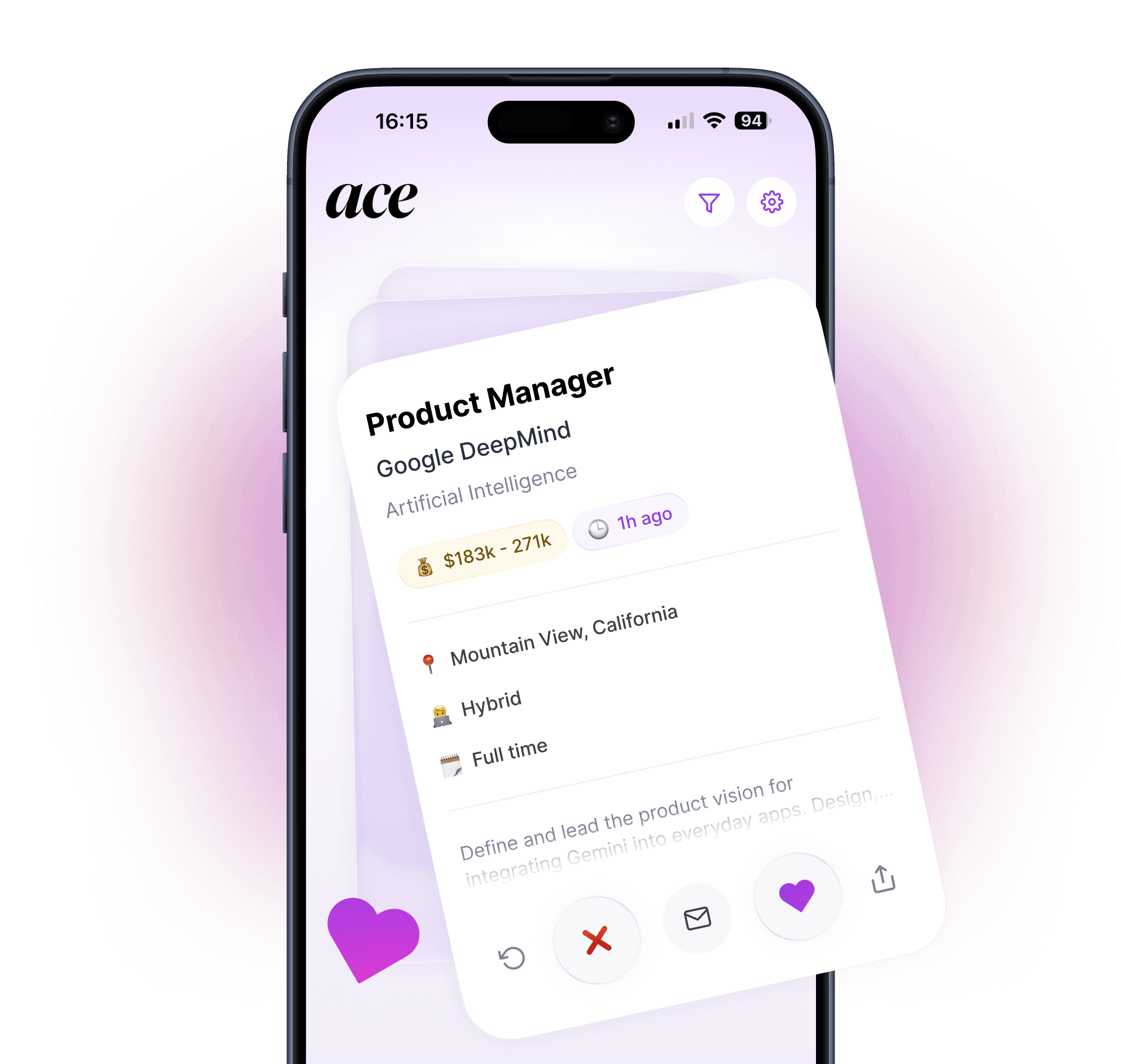
The practical challenge is that this takes 20 to 30 minutes per application if you're doing it manually. At any serious volume, that adds up to hours every week. This is exactly the problem Ace was built to solve. When you swipe right on a job, Ace rewrites your resume automatically to match that specific role, so every application goes out tailored without you spending the evening doing it by hand.
2. Formatting that breaks ATS parsing
A visually impressive resume is not always an ATS-friendly one. Most ATS systems read documents as plain text, extracting content from left to right, top to bottom. Any layout that disrupts that linear flow creates parsing errors.
The main culprits:
Two-column layouts. These look clean on screen but the ATS often reads both columns as a single run-on line of text. Your job title, company name, and dates all blur together into something unreadable.
Tables and text boxes. Content inside a table or text box is often skipped entirely by ATS software. If your skills section lives in a table, it may not register at all.
Headers and footers. Some systems ignore content placed in a Word or PDF header entirely. If your contact information is in the document header, a recruiter may have no way to reach you even if they wanted to.
Icons, graphics, and images. ATS systems read text. Any visual element, including profile photos, star ratings for skills, or decorative dividers, contributes nothing and can disrupt parsing.
The fix: use a single-column layout with standard section headings, no tables, no graphics, and all contact information in the main body of the document. Simple formats consistently outperform elaborate designs when it comes to ATS compatibility.
3. Leading with responsibilities instead of results
This one is less about ATS and more about the 7 seconds you get with a recruiter.
Most resumes read like job descriptions. "Responsible for managing social media accounts." "Assisted with project coordination." "Supported the marketing team." These phrases tell a hiring manager what your role involved. They don't tell them what you actually achieved.
Recruiters aren't assessing your job description. They're trying to figure out what would happen to the team if they hired you. Results answer that question. Responsibilities don't.
Compare these two bullet points:
Weak: "Managed email marketing campaigns for the company."
Strong: "Managed email marketing campaigns that grew the subscriber list by 40% and improved open rates from 18% to 27% over six months."
The second version gives the recruiter a concrete sense of what you produced. It's specific, it's measurable, and it answers the question they're actually asking.
Go through each role on your resume and ask: what changed because I was there? What numbers improved? What did I build, launch, save, or fix? If you can attach a metric to it, do. If you can't, at least describe the outcome rather than the activity.
4. Making it too long
There's a widely held belief that a longer resume signals more experience. It doesn't. It signals an inability to edit.
The general standard: one page for candidates with under 10 years of experience, two pages for senior professionals. Beyond two pages, you need a very specific reason, such as an academic CV or a role that requires a comprehensive publication record.
The problem with a long resume isn't just aesthetics. It's signal-to-noise ratio. When everything is on the page, nothing stands out. A recruiter spending 7 seconds on a three-page document is going to read far less of it than they would on a focused one-pager where the most relevant experience jumps out immediately.
The fix: cut everything that isn't directly relevant to the role you're applying for. Jobs from more than 10 to 15 years ago rarely need more than a one-line mention, if they appear at all. Internships from college disappear once you have real professional experience. Keep what's relevant, cut what isn't.
5. Writing a generic objective statement
"Motivated professional seeking a challenging role where I can contribute my skills and grow with a dynamic organization."
If your resume opens with something like this, delete it now. Generic objective statements tell a recruiter nothing specific about you or why you want this role. They read like placeholder text because that's effectively what they are.
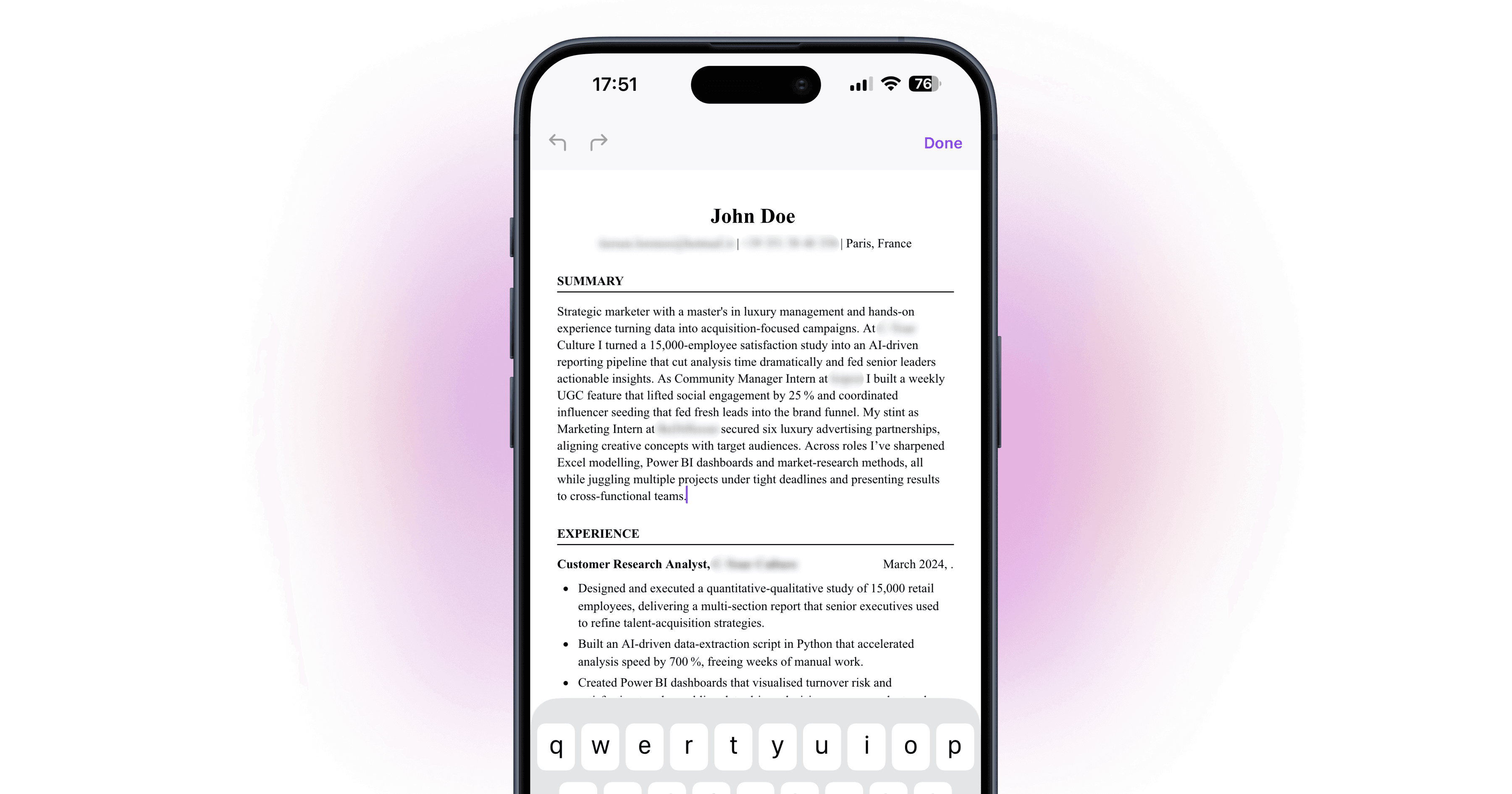
The fix is to replace it with a professional summary that is tailored to the specific role. Two or three sentences that connect your experience directly to what the job requires. Not generic ambition. Not a list of personality traits. A concise, specific argument for why your background is relevant to this particular position.
Even better: if the job description mentions a specific challenge the team is facing, your summary can reference how your experience addresses it directly. That kind of targeted opening is rare, and it gets attention for the right reasons. If you're applying to a lot of roles and don't have time to rewrite your summary for each one, Ace handles that automatically - it reads the job description and tailors your opening and experience sections before submitting.

6. Missing keywords from the job description
This is the ATS version of mistake 1, but it goes deeper than just tailoring your language. Many ATS systems are configured to look for specific terms that the hiring manager flagged as required. If those terms aren't present, the application may be filtered out regardless of everything else.
The practical approach is to treat the job description as a checklist.
Read it carefully and highlight every specific skill, tool, qualification, and credential it mentions. Then check your resume against that list. For every item you actually have experience with, make sure it appears on your resume using the same language. If the job says "Salesforce CRM" and you've used Salesforce, your resume should say "Salesforce CRM," not just "CRM tools."
Also include both the acronym and the full term for technical skills when both are in common use. "Search Engine Optimization (SEO)" covers you whether the ATS is searching for one or the other.
What you don't want to do is stuff keywords into your resume in ways that are obviously forced or inaccurate. ATS software is getting better at context, and a recruiter who reads "proficient in Python" next to a work history with no technical roles will immediately question it.
7. Using an unprofessional email address
This one takes about 30 seconds to fix and people still get it wrong.
If your email address is anything other than some variation of your name, update it before you send another application. Addresses with nicknames, numbers from your teenage years, or anything that reads as a joke create an immediate negative first impression.
Create a simple professional email if you don't have one. Gmail is fine. The format should be your name, and nothing else if possible. firstname.lastname@gmail.com is the standard. If your name is common and that's taken, add a period or a middle initial. What you want to avoid is anything that makes a recruiter pause or, worse, laugh.
Your resume is a professional document. Every element of it, including the email in the header, should signal that you take the application seriously.
8. Leaving employment gaps unexplained
Employment gaps are not automatically disqualifying. Recruiters understand that people have careers, families, health situations, and periods where work wasn't the priority. What raises flags is a gap with no context at all.
If there's a gap of three months or more on your resume, give it a brief, honest explanation. Freelance projects, caregiving, further education, a period of travel, a startup that didn't work out: any of these can be mentioned in one line. You don't need to over-explain. You just need to account for the time so a recruiter isn't left guessing.
One thing worth knowing: a functional resume format that deliberately hides dates is usually not the solution. Experienced recruiters recognize it immediately and it often raises more suspicion than the gap itself. A brief, straightforward acknowledgment of the period is almost always better than trying to obscure it.
9. Spelling and grammar errors
This one shouldn't need to be on the list, but it belongs here because the consequences are harsh and the prevention is simple.
A spelling error on a resume signals one of two things to a hiring manager: you don't have attention to detail, or you didn't care enough to proofread. Neither is a first impression you want to make. Research consistently shows that a significant portion of recruiters will discard a resume on the first typo.
The fix is not just running a spellcheck. Spellcheck doesn't catch everything. Words that are spelled correctly but used wrong ("their" vs "there," "manger" vs "manager") will pass right through it.
Read your resume out loud, start to finish. You'll catch awkward phrasing and errors you'd miss reading silently. Then have someone else read it. A fresh set of eyes finds things you've stopped seeing because you've looked at the document too many times.
10. Including irrelevant experience
This is the flip side of mistake 4. Every line on your resume is either helping your case or diluting it. There is no neutral content.
The job you had at a restaurant in college is probably not relevant if you're applying for a marketing role six years later. The skills section that lists Microsoft Word alongside advanced data visualization tools doesn't make you look versatile. It makes your actually impressive skills harder to spot.
Be selective. The question for every piece of content on your resume is: does this make the recruiter more likely to want to interview me for this specific role? If the answer is no, it shouldn't be there.
The exception is when seemingly unrelated experience demonstrates a relevant transferable skill. Customer service experience demonstrates communication and conflict resolution. Running a student club demonstrates team leadership and event management. The key is to frame it in those terms, not just list the job title and let the recruiter make the connection themselves.
How to catch these mistakes before you hit submit
Before you send any application, run through this checklist:
Does this resume use language from the job description for the skills and experience I have?
Is the format single-column with standard section headings and no graphics?
Does every bullet point describe an outcome or result, not just a task?
Is it one or two pages maximum?
Does the opening summary speak directly to this specific role?
Have I checked every keyword in the job description against what's on my resume?
Is the email address professional?
Are any gaps in my work history accounted for?
Have I read it out loud and had someone else check it?
Is every item on the page directly relevant to this role?
If you're applying at volume, going through this process manually for every application becomes its own job. That's the point where a tool that handles the tailoring for you stops being a luxury and starts being a practical necessity. Ace does the keyword matching, summary tailoring, and ATS formatting automatically for every job you apply to - so the checklist above is handled before anything goes out.
For a deeper look at how ATS software works and what it's actually looking for in a resume, see: How to Beat Applicant Tracking Systems in 2026.
And if you want to see how the best AI tools on the market compare for automating the application process itself, the full breakdown is here: Best AI Job Search Tools in 2026.
Fix your resume and start applying smarter with Ace - free on iOS and Android
Have a question about your job search strategy? Reach out at info@aceapp.ai.
FAQ
Why does my resume keep getting rejected?
The most common reasons are ATS filtering (your resume doesn't include the right keywords from the job description), formatting issues (two-column layouts and tables confuse ATS parsing), and generic language that doesn't speak to the specific role. Most rejections happen before a human reads your resume at all.
How do I make my resume ATS-friendly?
Use a single-column layout with standard section headings ("Work Experience," "Education," "Skills"). Avoid tables, graphics, and text boxes. Put contact information in the main body, not the header. Match the language of the job description for skills and experience you actually have. Save as PDF unless the posting specifies otherwise.
How long should a resume be in 2026?
One page for candidates with under 10 years of experience. Two pages for senior professionals. Beyond two pages, the content is almost always diluting rather than strengthening your case. A focused one-pager that highlights your most relevant experience will outperform a three-page document in the 7 seconds a recruiter spends on it.
Should I tailor my resume for every job?
Yes. A resume tailored to the specific job description will score higher in ATS keyword matching and read as more relevant to the recruiter. The practical challenge is that this takes 20-30 minutes per application manually. Tools like Ace handle this automatically for every application you swipe on.
What should I put at the top of my resume?
A professional summary of 2-3 sentences that connects your experience directly to the role you're applying for. Not a generic objective statement. Not a list of personality traits. A concise, specific argument for why your background is relevant to this particular position.