Simplify promises to autofill job applications and track your search in one place. Here's what it actually delivers — and where it falls short.
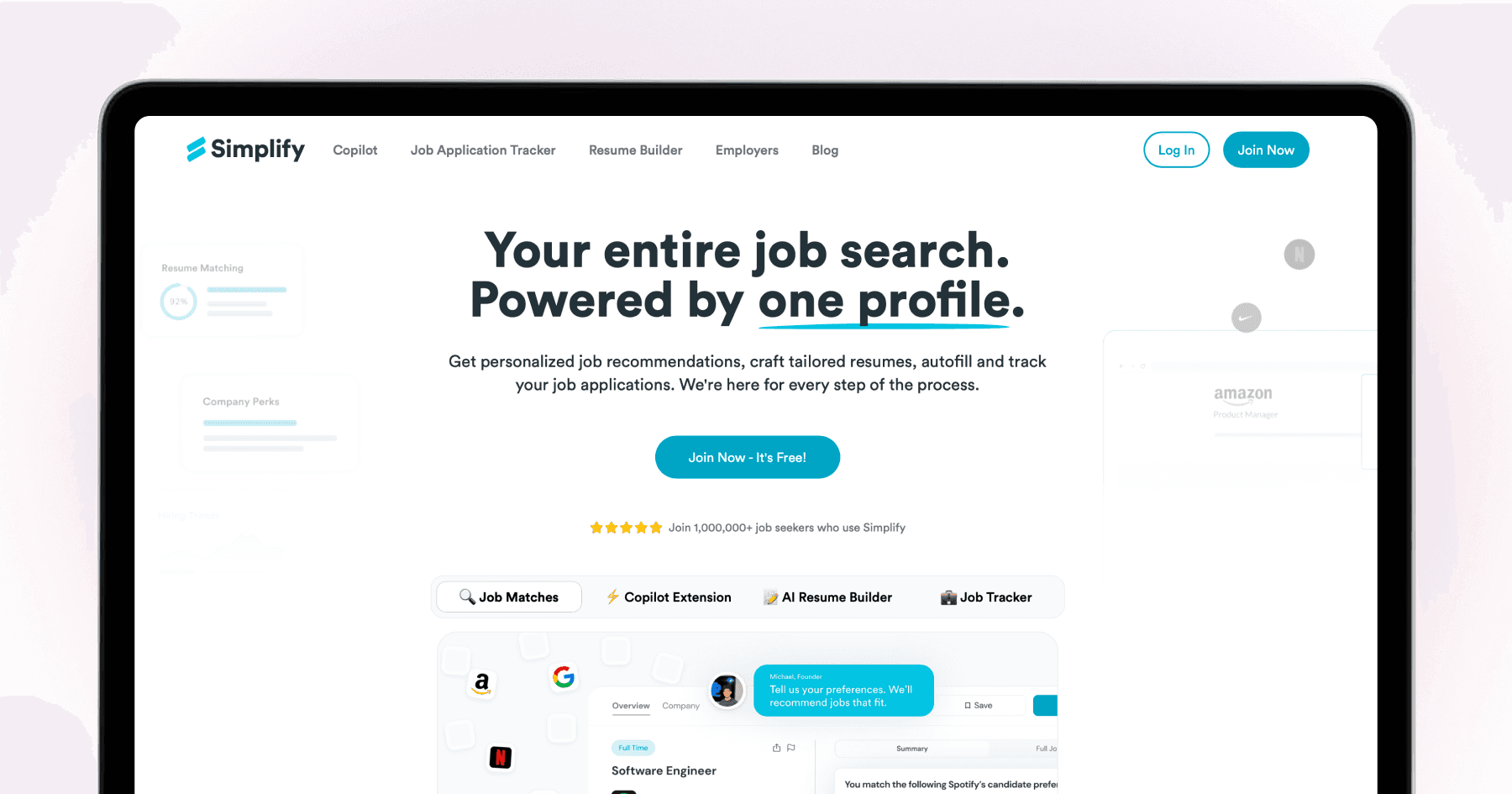
Simplify has built a genuine following among job seekers, particularly those frustrated by the repetitive mechanics of online applications. The core pitch is compelling: one profile that autofills job applications across different ATS systems, a tracker that keeps your search organized, and an AI resume builder that tailors your CV to each role. It's free at the base level. So what's the actual experience?
TLDR
Simplify is a free Chrome extension that autofills application forms and tracks your job search.
It has an AI resume builder that tailors your CV to a job description and shows your ATS score — basic keyword suggestions are free; full AI rewriting is Simplify+ ($39.99/month).
It doesn't auto-apply — you still click submit on every application.
The tracker is genuinely useful and one of the better free job search organization tools available.
Good as part of a wider stack. Not a replacement for a full auto-apply solution.
What Simplify does
Simplify works as a Chrome extension. When you land on a job application form, it detects the form fields and autofills them from your stored profile: name, contact information, work history, education, and standard screening question answers.
The autofill doesn't submit anything. You review what it's filled in, make any corrections, and click submit yourself. Simplify removes the typing, not the decision-making.
The AI resume builder lets you tailor your resume to a specific job description — analyzing the role's requirements, surfacing missing keywords, and using AI to help reword bullet points. A resume ATS score shows how well your current resume matches the target role. Basic keyword suggestions are available on the free tier; the full AI rewriting features require Simplify+ ($39.99/month).
The job tracker automatically logs applications you submit while using the extension, lets you add notes and status updates, and gives you a dashboard view of your whole job search.
Key features:
Browser extension autofill across 100+ ATS platforms (Chrome)
AI resume builder with ATS scoring and keyword gap analysis
Application tracker with status and notes
Job discovery and matching from LinkedIn, Indeed, and company pages
AI cover letter generation (Simplify+)
Free tier covers autofill, tracking, and basic resume suggestions
What Simplify does well
The tracker. Having applications automatically logged — company name, role, date, status — eliminates the spreadsheet most job seekers otherwise manage manually. For high-volume searching, a good tracker is essential, and Simplify's is free.
The autofill. Removing the mechanical typing saves real time, particularly for ATS forms that ask for the same information in different formats. Not having to retype your employment history for the 50th time is a genuine improvement.
The resume tooling. The ATS scoring and keyword gap analysis give you actionable signal before you apply — you can see exactly which keywords from the job description are missing from your current resume. This is genuinely useful for manual tailoring.
The price. The free tier is substantively useful, not a stripped-down teaser. Autofill, tracking, and basic resume suggestions are all included at no cost.
Where Simplify falls short
Tailoring is tool-assisted, not automatic. Simplify shows you what to change and helps you rewrite — but you still do the editing. It's a resume improvement tool, not a system that automatically produces a tailored version and submits it. If you want per-application tailoring handled without manual editing on every role, Simplify doesn't get you there.
You still click submit. Autofill accelerates form completion but doesn't close the application. You're still visiting every listing, reviewing the form, and clicking apply yourself.
Desktop-only. Chrome extension means desktop. No mobile experience.
Full AI features are paywalled. The free tier gives you keyword suggestions. The AI rewriting, cover letter generation, and deeper tailoring are Simplify+ at $39.99/month.
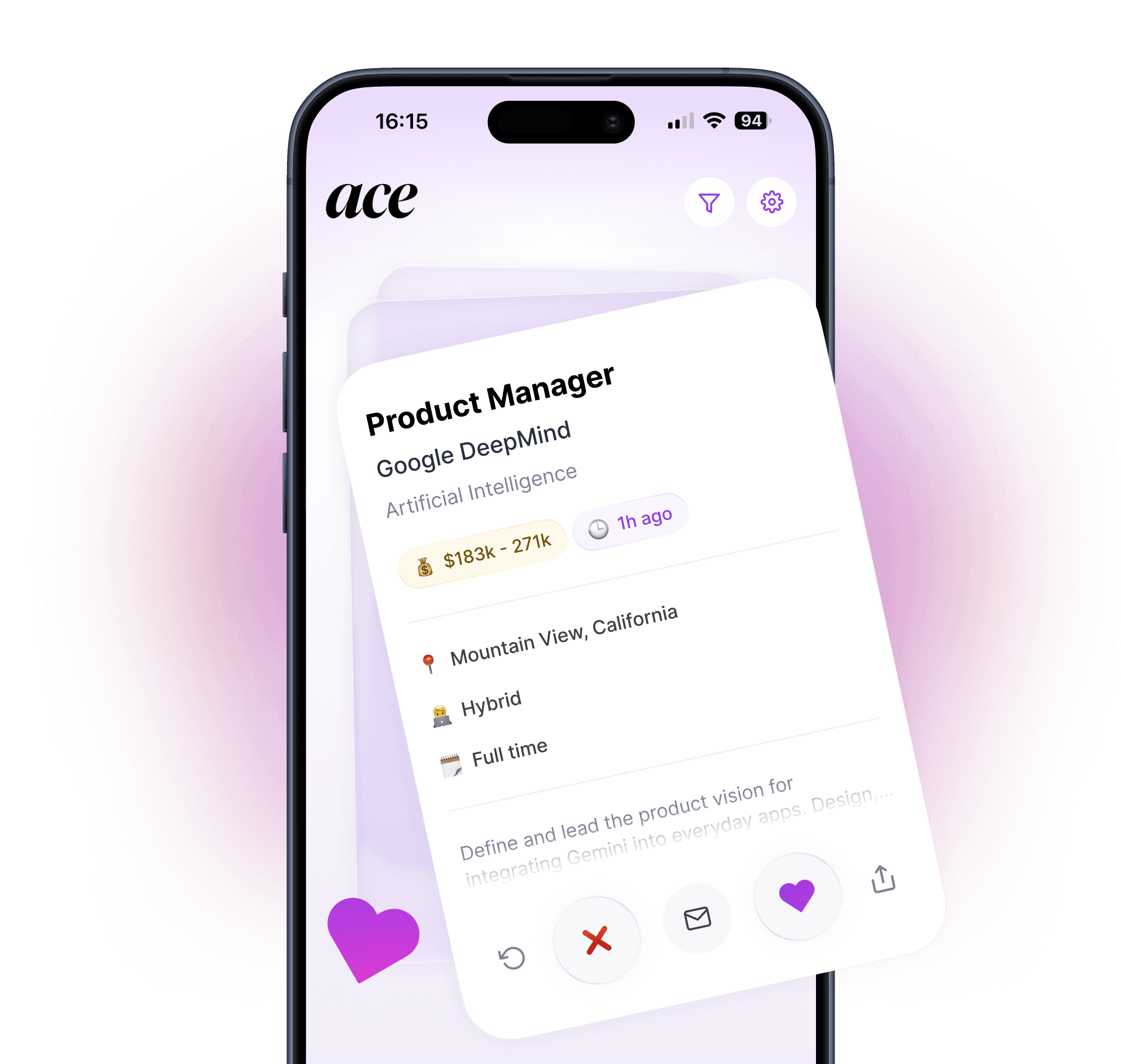
The contrast with a full auto-apply tool: Simplify gives you the tools to tailor and autofill, but the execution is still yours. Ace handles tailoring and submission automatically — it rewrites your resume for the specific role, submits the application directly on the company's career page, worldwide, on mobile or desktop.

Is Simplify worth using?
Yes, as a tracker and autofill tool — particularly alongside another tool for the submission side. The tracker alone is worth the download. For job seekers who prefer to review every application manually before submitting, the autofill removes the most tedious part of that process and the resume tooling adds real signal.
Less compelling as your only job search tool — if you're applying at meaningful volume and want tailored applications submitted automatically, Simplify's model of tool-assisted editing still puts the execution work on you.
The bottom line
Simplify solves the repetitive mechanics of job applying — form-filling, tracking, and resume optimisation guidance — and does it well, largely for free. It has real resume tailoring tooling, not just autofill. What it doesn't have is automatic submission or fully hands-off tailoring: you still make the edits and click the button. That's the right model for job seekers who want to stay in control of every application. For those who want the complete loop handled automatically — tailoring, submission, tracking — Ace does that all on iOS and Android.
For a full comparison of auto-apply tools: Best Auto-Apply Job Apps in 2026. For the broader AI job search landscape: Best AI Job Search Tools in 2026.
This review is written by the Ace team. We've done our best to represent Simplify fairly based on their website, user reviews, and publicly available information. Always check Simplify's current website for up-to-date features and pricing.
FAQ
Is Simplify Jobs free?
Yes. Autofill, application tracking, and basic resume keyword suggestions are free indefinitely — Simplify explicitly commits to this. The full AI resume rewriting, cover letter generation, and advanced tailoring features require Simplify+ at $39.99/month.
Does Simplify automatically apply for jobs?
No. Simplify autofills application forms but doesn't submit them. You review and click submit on every application yourself.
Does Simplify tailor your resume per application?
Yes, with a caveat. Simplify's AI resume builder analyzes the job description, shows your ATS score, surfaces missing keywords, and helps you rewrite bullet points. The basic keyword analysis is free; the full AI rewriting is Simplify+. Either way, you're editing the resume yourself — it's a tool that guides tailoring, not one that automatically produces a tailored version and submits it.
What's the best alternative to Simplify for fully automated tailoring and submission?
Ace handles job matching, per-application resume tailoring, and full application submission automatically — no manual editing required. Free to start on iOS and Android.
Can you use Simplify alongside another auto-apply tool?
Yes. Simplify's tracker works well as an organizational layer regardless of how you're submitting applications. Some job seekers use Ace for auto-apply at volume while using Simplify's tracker to monitor status and manage follow-ups.