Most LinkedIn profiles are invisible to recruiters. Here's exactly what to change to start showing up in searches and getting approached for the right roles.
LinkedIn has over a billion members. Recruiters use it every day to search for candidates. And the vast majority of profiles they look at are functionally invisible — not because the person isn't qualified, but because the profile isn't structured in a way that surfaces in the searches recruiters are actually running. The difference between a profile that gets approached and one that doesn't is mostly technical, and most of the fixes take under an hour.
TLDR
LinkedIn's search algorithm ranks profiles based on keyword relevance, completeness, and activity. Optimizing these three things is what gets you found.
The headline is the most important field on your profile for search visibility. Most people waste it.
The About section is where you make the case for what you bring — most people either leave it blank or treat it as a career autobiography.
"Open to Work" signals significantly increase recruiter outreach when used correctly.
The headline: stop writing your job title
The LinkedIn headline is the 220-character field that appears under your name. Most people fill it with their current job title: "Marketing Manager at Company X." That's not a headline. It's a data point.
More importantly: the headline is one of the highest-weighted fields in LinkedIn's search algorithm. When a recruiter searches for "email marketing manager" or "B2B marketing specialist," LinkedIn returns profiles that include those terms in the headline, name, and experience sections. A headline that just says your job title at your current company is optimized for exactly one search: your name.
What to write instead: Include the role you want (which may differ from your current title) plus 2-3 specific skills or areas of expertise that are searchable. Character limit is 220.
"Email Marketing Manager | B2B SaaS | CRM Automation | Klaviyo & HubSpot"
"Senior Product Designer | UX Research | Design Systems | Mobile-First Products"
This is more searchable, more specific about what you do, and more informative to anyone who sees it.
The About section: make the argument
The About section is the most skipped and most wasted section on most LinkedIn profiles. Many people leave it blank or write a three-paragraph life story. Recruiters rarely read it in full — but the keywords it contains affect search ranking, and those who do read it form a strong impression.
What to write: A short first paragraph that states who you are, what you specialize in, and the kind of problem you solve or value you bring. A second paragraph with 2-3 specific achievements. A final line about what you're looking for or interested in next. Under 300 words total.
Include specific skills, tools, and industry terms naturally throughout — these are searchable keywords.
The experience section: specifics beat descriptions
The same rules that apply to your resume apply here — results beat responsibilities, numbers beat vague descriptions. But on LinkedIn there's an additional consideration: keyword coverage. Each role is another opportunity to include searchable terms.
For each role, include: the specific tools you used, the scale of what you worked on (team size, budget, revenue, user base), and 2-3 bullet points with concrete outcomes.
Use Ace to turn your LinkedIn job search into automatic applications — free on iOS and Android
Skills and endorsements
LinkedIn's skill section is directly integrated into recruiter search. When a recruiter searches for candidates with a specific skill, profiles that list that skill — and have endorsements for it — rank higher.
Add your top 10-15 most relevant skills. Ask 3-5 colleagues or former managers to endorse specific skills. The skills with the most endorsements appear first and carry more weight in search.
Remove skills that are no longer relevant or don't reflect where you want to go. The algorithm doesn't distinguish between skills you list ironically and skills you want to be found for.
Once recruiters find you and reach out, the next step is converting that interest into applications efficiently. Ace turns LinkedIn job discoveries into automatically submitted, tailored applications — so the pipeline from being found to actually applying is as frictionless as possible.

"Open to Work": how to use it without everyone seeing it
LinkedIn's Open to Work feature lets you signal to recruiters that you're available. There are two versions:
Visible to recruiters only: Shows a private badge that only LinkedIn Recruiter users can see. Your current employer cannot see it unless they're using LinkedIn Recruiter to search for candidates, which most HR teams do not. This is the safer option if you're employed.
Visible to everyone: Shows the green "Open to Work" banner on your profile photo. Visible to anyone. Signals clearly that you're looking. Some hiring managers see this positively; others — particularly for senior roles — see it as reducing your negotiating position.
For most employed job seekers, "visible to recruiters only" is the better choice.
Activity and the algorithm
LinkedIn's algorithm surfaces profiles of people who are active on the platform more frequently in recruiter searches. Posting 2-3 times per week, commenting on industry content, and engaging with others' posts increases your profile visibility.
This doesn't need to be a major time investment. Leaving a thoughtful comment on two or three posts per week, or posting a brief observation about something in your industry, is enough to maintain algorithmic visibility without LinkedIn becoming a second job.
The profile photo and banner
Profiles with a professional photo receive significantly more profile views than those without. The photo should be: a clear headshot, well-lit, with a neutral or simple background. It doesn't need to be a formal studio photo.
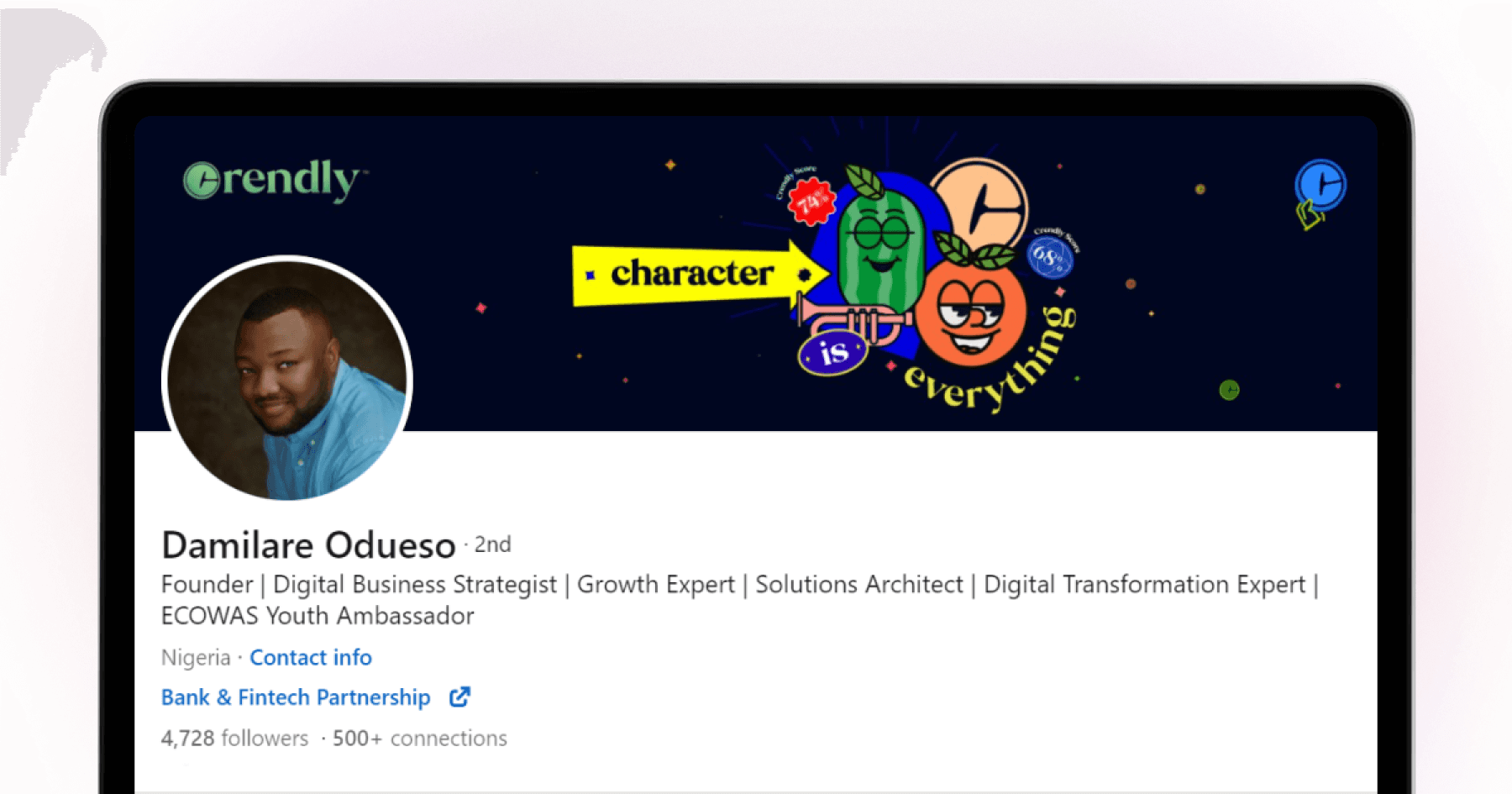
The banner image (the background behind your photo) is often blank on most profiles — making it an easy visual differentiator. A simple graphic with your name, title, and areas of expertise takes 10 minutes to create in Canva and makes your profile look more intentional.
The bottom line
Most LinkedIn profiles are invisible not because of anything complicated — they're invisible because of a missing keyword in the headline, an empty About section, and no Open to Work signal. The fixes take an hour and compound over months: more recruiter views, more outreach, more options. Profile optimisation is a one-time investment that keeps working long after you've done it.
For a deeper look at how recruiters actually search LinkedIn: How Recruiters Use LinkedIn to Find Candidates. For whether Premium is worth it on top of these free fixes: Is LinkedIn Premium Worth It for Job Seekers?. And once inbound starts coming in, Ace handles outbound applications automatically so both sides of your search are running in parallel — free on iOS and Android.
FAQ
How do I make my LinkedIn profile visible to recruiters?
Turn on "Open to Work" in your profile settings and set it to "Recruiters only." Optimize your headline and About section with specific, searchable keywords for the roles you're targeting. Complete all profile sections — LinkedIn's algorithm ranks complete profiles higher.
What should I put in my LinkedIn headline?
Your target role title plus 2-3 specific skills or areas of expertise, separated by pipe characters. Include terms that recruiters in your field are likely to search for. 220 characters maximum.
Does LinkedIn Premium help you get found by recruiters?
Premium gives you additional features like InMail credits and profile view data, but it doesn't directly improve your ranking in recruiter search results. The free optimizations — headline, keywords, completeness, and activity — have more impact on searchability than Premium alone.
How often should I update my LinkedIn profile?
Whenever your role, skills, or job search status changes. Beyond that, keeping the About section and headline current matters more than frequent changes. An outdated current role is a red flag for active recruiters.
How long does it take to see results after optimising LinkedIn?
Profile view increases typically appear within days of updating your headline and enabling Open to Work. Recruiter outreach tends to follow within 1-2 weeks for candidates in active hiring markets. The compounding effect — more views leading to more connections leading to more visibility — builds over several weeks of sustained activity.