Indeed is the world's largest job site. Most job seekers use it like a search engine and miss most of what makes it useful. Here's how to use it properly.
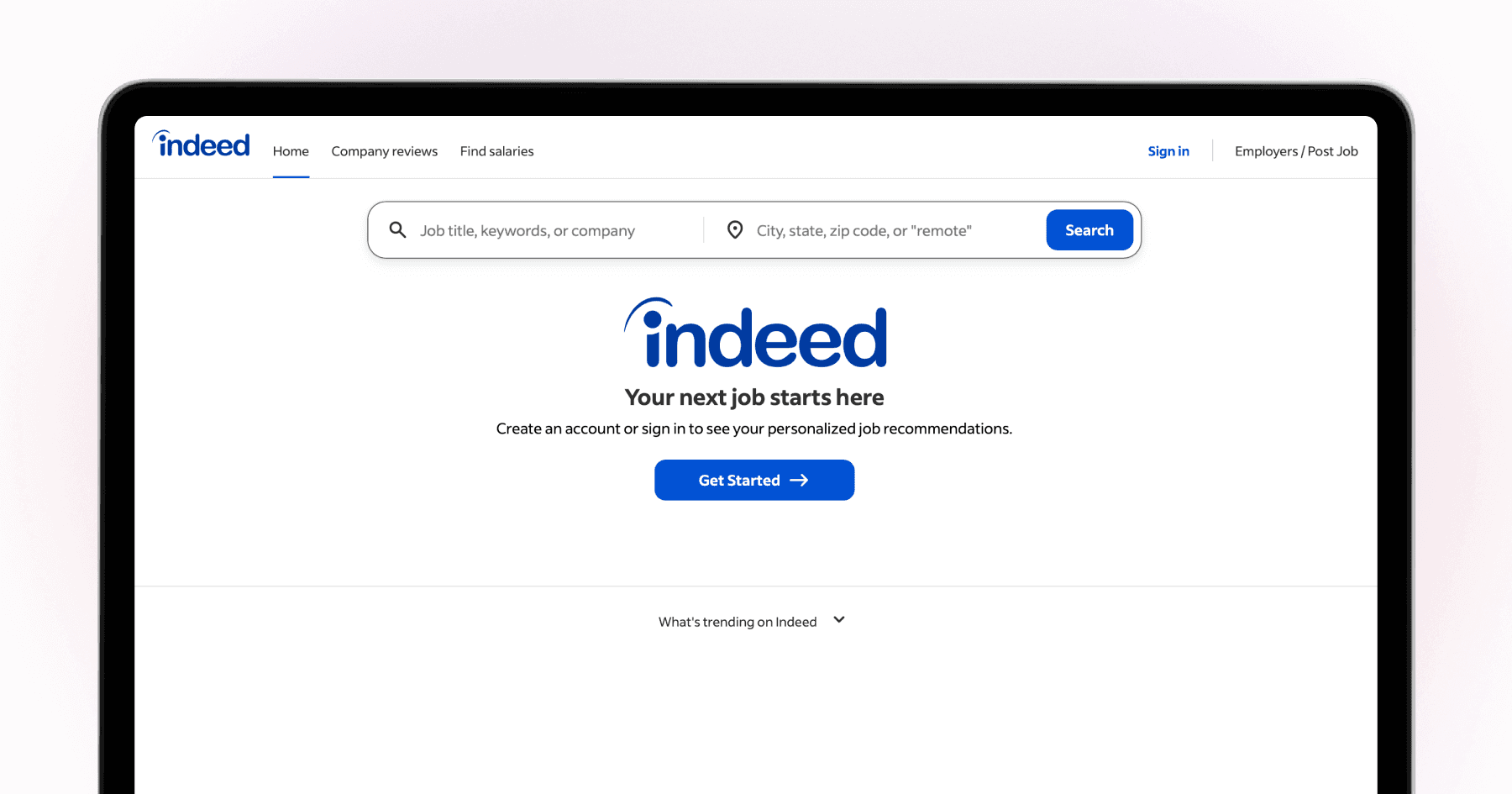
Indeed is the largest job aggregator in the world, with more listings than any other single source. Most job seekers use it by typing their job title into the search bar, scrolling through results, and clicking apply on listings that look relevant. That works, but it's the least efficient version of how Indeed can be used. The features that most job seekers ignore — saved searches, job alerts, the Indeed resume, and the company search — make a material difference to what you find and how quickly you're notified about it.
TLDR
Indeed's best feature is job alerts: set up specific saved searches and get notified the moment new matching roles are posted.
Applying early to new listings consistently produces better results than applying to listings that have been up for a week.
The Indeed resume makes you searchable to employers who use Indeed's candidate search feature.
Combining Indeed with direct company career page applications produces the broadest coverage of what's actually available.
Set up job alerts, not just searches
The most common mistake on Indeed is treating it as a search engine you visit manually. The jobs that attract the most competition are ones that have been up for a week or more. Roles posted in the last 24-48 hours receive fewer applications and move faster.
Indeed's job alerts let you save a search and receive email or push notifications the moment a new role matching your criteria is posted. Set up 3-5 specific searches — your target role title, location, and key filters — and turn on daily alerts for each.
This means you're finding new roles before most other candidates, not after they've been circulating for a week.
How to set up a job alert: Run a search, set your filters, and click "Save this search" at the top of results. Choose daily or instant notifications.
Use Boolean search for better results
Indeed supports Boolean search operators that most users don't know about. These let you narrow or broaden results precisely.
"Quotes": Exact phrase. "Product manager" returns only listings using that exact phrase.
OR: Either term. Marketing OR Communications returns both.
-Minus: Exclude a word. Marketing -senior returns junior/mid marketing roles.
These matter because: Job titles vary across companies and sectors. "Growth manager" and "marketing manager" often describe the same role. Boolean search lets you capture both without scrolling through unrelated results.
Upload your resume to be found
Indeed's employer-facing product lets companies search their resume database for candidates actively looking. Uploading your resume to Indeed and keeping it current means employers can find you — not just the other way around.
For this to work: make your Indeed resume keyword-rich with the specific role titles and skills you want to be found for, keep it updated to signal recent activity, and set your job search status to "actively looking."
[The two approaches complement each other well: Indeed alerts surface the right opportunities, while Ace applies on company career pages with a tailored resume — so you get relevant discovery and quality submission without the manual form-filling.

Use company search, not just job search
Indeed lets you search by company and see all their active listings at once. If there are specific companies you want to work for, add them to a list and check their Indeed profiles weekly. This is faster than navigating each company's career page individually and catches listings that haven't been promoted elsewhere.
Apply through the company's career page when possible
Many Indeed listings redirect to the company's own ATS when you click Apply — so you end up on Workday or Greenhouse anyway. For these roles, going directly to the company's careers page and applying there produces the same result with more control over what you submit.
For Indeed-hosted applications, tailor your resume before uploading rather than relying on your standard Indeed resume.
The bottom line
Indeed is most powerful when you use its alerts and search filters actively rather than passively browsing. Set up precise alerts, reply fast, and apply on company pages where possible with a tailored resume. The platform's scale gives you access to more roles than most other job boards — the question is whether your applications convert. For that, tailoring is the lever. Ace automates tailored applications across company career pages, so your Indeed-discovered leads get the best possible submission.
For comparison with LinkedIn: LinkedIn vs Indeed: Which One Gets You More Interviews?. For the ATS optimisation that makes your applications count: How to Beat Applicant Tracking Systems in 2026.
Apply automatically across job boards and company sites with Ace — free to try on iOS and Android
FAQ
Is Indeed free to use for job seekers?
Yes. Indeed's job search, alerts, resume upload, and application features are all free for job seekers. Employers pay to promote listings and access the resume database.
How do I get more responses from Indeed applications?
Apply to new listings quickly (within 24-48 hours of posting), tailor your resume for each specific role, and apply through the company's own ATS where possible rather than the Indeed-hosted application. Response rates are consistently higher for recent applications and tailored resumes.
Does Indeed have a mobile app?
Yes. Indeed's mobile app includes most features including job alerts and applications. Job alerts with push notifications work particularly well on mobile — you can apply to new listings as soon as they're posted.
Is it better to apply on Indeed or the company website?
When the Indeed listing redirects to the company's own ATS anyway, both routes lead to the same place. When Indeed hosts the application directly, applying through the company's career page gives you more control over tailoring your application.
What's the biggest mistake people make when using Indeed?
Searching without setting up alerts and applying to old listings. New postings get the most attention from recruiters in the first 24-48 hours. Setting up precise alerts and acting on them quickly dramatically improves your response rate compared to passively browsing.