Recruiters search LinkedIn for candidates every day. Here's how to position yourself to show up in those searches — and get approached for the right roles.
Recruiters spend a significant part of their working day searching LinkedIn for candidates. They're not waiting for applications — they're actively looking for people who match specific criteria and reaching out to them directly. The difference between a profile that gets approached and one that doesn't is almost entirely technical: the right keywords in the right fields, the right signals of availability, and enough activity to stay visible in the algorithm. None of this requires LinkedIn Premium. Most of it takes under an hour to set up.
TLDR
LinkedIn's recruiter search works on keywords. Your headline, About section, and experience fields are the main sources of searchable terms.
Turning on "Open to Work" (recruiters only) dramatically increases recruiter outreach without telling your employer.
Activity signals matter to LinkedIn's algorithm. Posting or commenting 2-3 times per week improves your search visibility.
The specific skills and job titles in your profile determine which recruiter searches you appear in.
How recruiter search actually works
LinkedIn Recruiter — the tool most corporate and agency recruiters use — lets them search for candidates using keyword strings, location filters, experience level, education, and current/past employer filters. When a recruiter searches for "email marketing manager B2B London open to work," LinkedIn returns a ranked list of profiles that match those criteria.
Your profile's rank in that list is determined by: keyword relevance (do the search terms appear in your profile?), completeness (is your profile fully filled out?), activity (have you been active recently?), and whether you've turned on Open to Work.
Understanding this changes how you approach your profile. It's not a CV — it's a searchable document, and it needs to be optimized for the searches recruiters are running.
Step 1: Optimize your headline for search
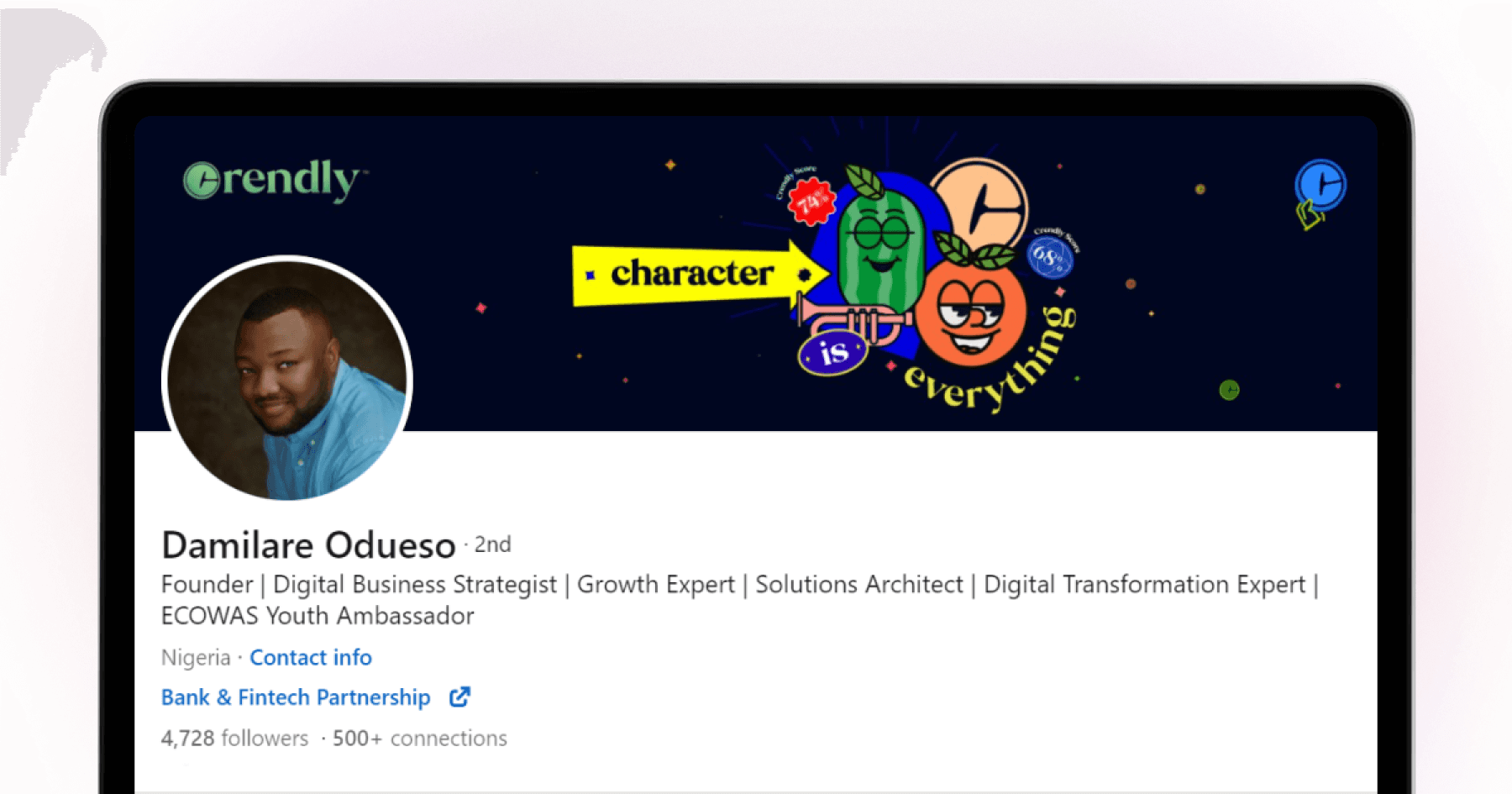
The headline is the highest-weighted field in LinkedIn's search algorithm aside from your name. It's 220 characters and most people fill it with only their current job title.
Put yourself in the recruiter's search. They're searching for "senior product manager fintech" or "UX designer mobile apps" or "data analyst python SQL." Your headline should contain the exact terms they'd use to find someone like you.
Template: [Target role title] | [Skill 1] | [Skill 2] | [Industry or specialization]
"Senior Product Manager | Fintech | B2C Mobile | Roadmap & Stakeholder Management"
"UX Designer | Mobile-First Products | Design Systems | Figma"
Include both your current role and your target role if they differ. Recruiters searching for what you want to be found as, not just what you currently are.
Step 2: Use your About section for keyword coverage
The About section is the largest free-text field on your profile and contributes significantly to search ranking. Most people leave it blank or write a brief autobiographical paragraph.
Write it in a way that includes the specific skills, tools, industries, and role types you want to be found for — naturally, within a professional narrative.
Structure: Who you are and what you specialize in (one paragraph). Two or three specific achievements with numbers. What you're looking for or open to (one sentence). Close with a call to action — your email or "open to conversations about X."
Step 3: Turn on Open to Work (recruiters only)
Go to your profile, click "Open to," select "Finding a new job," and choose "Recruiters only" rather than "Everyone." This adds a private badge visible only to LinkedIn Recruiter users — not to your current employer's HR team unless they're running searches for candidates (which most don't).
This single change dramatically increases recruiter outreach because most recruiters filter specifically for candidates marked as open to work. If you're not marked, you simply don't appear in many of the searches that would otherwise find you.
While recruiters come to you, Ace applies to jobs automatically — free on iOS and Android
Step 4: Keep your experience section keyword-rich
Each role in your experience section is another opportunity for keyword coverage. For each position, include:
Specific tools and platforms you used
Industries you worked in
Types of projects or responsibilities
Quantified outcomes where possible
Recruiters often search by past employer, by specific tools (e.g., "Salesforce," "Figma," "Python"), or by industry. Every keyword in your experience section is a potential match.

Step 5: Build skill endorsements
LinkedIn's skill section feeds directly into recruiter search. When a recruiter searches for candidates with a specific skill, profiles that list that skill — with endorsements — rank higher than those without.
Add your 10-15 most relevant and searchable skills. Ask 3-5 former colleagues or managers to endorse specific skills. The endorsements provide social proof and algorithmic weight.
Remove skills that don't reflect where you want to go. A Python endorsement when you're trying to move into product management sends a mixed signal.
Step 6: Stay active
LinkedIn's algorithm surfaces active profiles more frequently in recruiter searches. You don't need to become a content creator. Posting two or three times per week, or leaving thoughtful comments on relevant industry posts, is enough to maintain algorithmic visibility.
The minimum effective dose: once per week, engage with three or four posts in your field. Leave a substantive comment — one sentence that adds perspective rather than "great post." This keeps your profile visible without consuming significant time.
Step 7: Make it easy to reach you
Include your email address in your About section or contact info. Many recruiters prefer email to LinkedIn InMail, and making it easy to contact you removes a friction point.
For the complementary strategy of actively searching for roles on LinkedIn: LinkedIn vs Indeed: Which One Gets You More Interviews?.
For optimizing your LinkedIn profile more broadly: How to Optimise Your LinkedIn Profile to Attract Recruiters.
Get to more interviews while recruiters find you — try Ace free on iOS and Android
FAQ
Can your employer see if you turn on Open to Work on LinkedIn?
If you select "Recruiters only," your current employer cannot see the Open to Work signal unless they're actively using LinkedIn Recruiter to search for candidates — which most companies don't do for existing employees. The "Everyone" setting shows a green banner on your profile photo that anyone can see.
How long does it take to start getting recruiter messages after optimizing your profile?
For most professionals in active hiring markets, meaningful optimization produces recruiter outreach within 1-3 weeks. The timeline depends significantly on your field, seniority, and location.
Do you need LinkedIn Premium to get headhunted?
No. Premium gives you additional features like InMail credits and who's viewed your profile data, but it doesn't improve your ranking in recruiter searches. The free optimizations — headline, keywords, Open to Work, activity — have more impact on being found.
Should you connect with recruiters who reach out even if you're not interested in their specific role?
Yes, generally. Connecting keeps you visible to them for future searches, and building a network of recruiters in your field is genuinely useful over a career. A brief, courteous reply declining the specific role while expressing openness to future opportunities is the right approach.
How do you stand out when recruiters receive dozens of candidate messages per day?
Be specific and brief. Reference the type of role you're looking for and why it's relevant to what they recruit for. Three sentences maximum. Recruiters respond to people who make their job easier, not longer.